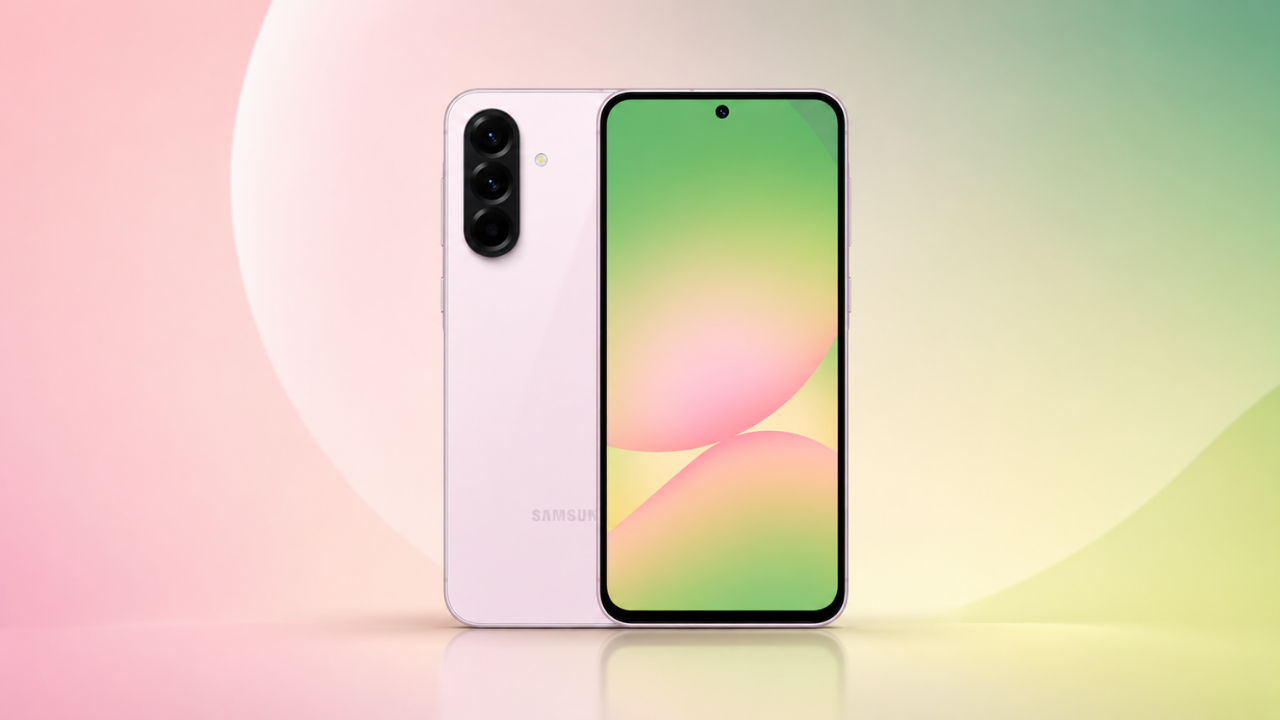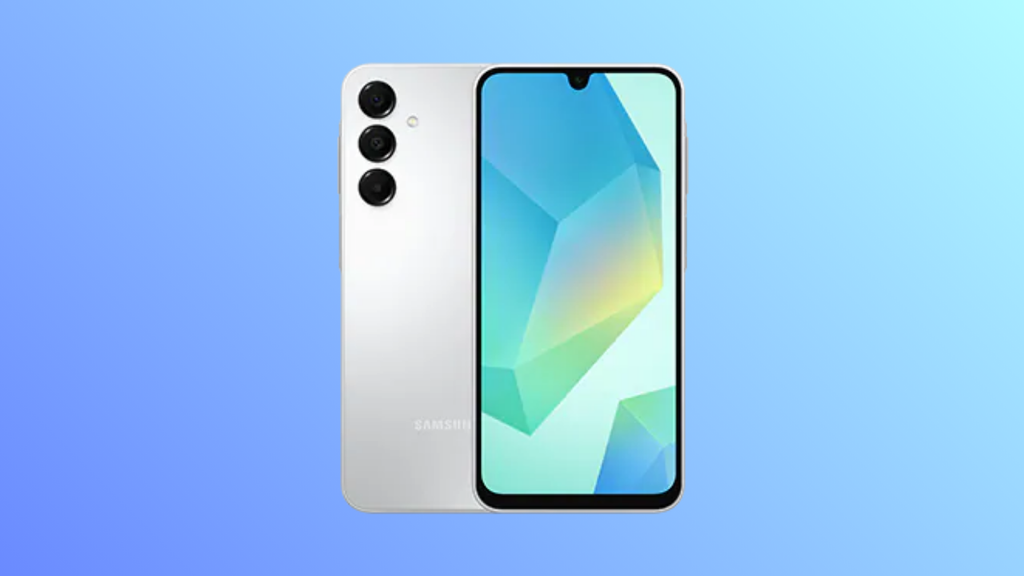
Samsung has started rolling out the stable One UI 9.0 update, based on Android 17, to the Galaxy A16 4G and Galaxy A16 5G. The release was reported on October 21 and is so far available only in South Korea. It arrives after a three-beta test period and ends the beta program, which had run in India.
| Detail | Galaxy A16 4G/LTE | Galaxy A16 5G |
| Update | One UI 9.0, stable | One UI 9.0, stable |
| Android version | Android 17 | Android 17 |
| Firmware | A165NKSU9EZJ3 | A166LKSU8DZJ5 |
| Region | South Korea | South Korea |
| Download size | Not reported | Not reported |
| Security patch | Not reported | Not reported |
These are the South Korean builds, so other regions will likely get different firmware numbers when the update expands. Samsung hasn’t announced a schedule, and no other countries have been reported yet. The same wave also appears to include the Galaxy M16, sold in South Korea as the Galaxy Wide 8, with firmware M166SKSU8DZJ5, though not every report mentions it.
The beta history matters here. The A16 5G’s beta ran in India, and its third beta arrived on October 16 at 303.46MB with the October 2026 security patch. It fixed restarts after a software upgrade, green-tinted ultra-wide photos in Gallery, and black photos taken with the flash. The stable builds above are different firmware for the Korean models, so those beta details don’t tell you what the stable update includes.
No changelog has been published for the A16 yet. On other phones, One UI 9 has brought more Quick Panel customization, Samsung Notes improvements, accessibility tools and a location privacy indicator, but features vary by phone, and the A16 may not get all of them. Samsung’s newest AI features have been limited to the Galaxy S and Z series in other One UI 9 rollouts.
Both A16 models are reportedly eligible for six years of Android upgrades, up to Android 20, so One UI 9 is not the end of the line for them. The update is the latest to reach Samsung’s cheaper phones after the Galaxy A27 reached Europe and the Galaxy A56 and A36 started in South Korea.
To check, open Settings, tap Software update, then Download and install. Rollouts are staged, so the update may not appear for every user immediately. Use Wi-Fi and back up important data first.

M Adnan Akram is the founder and lead writer at Phoonomo, covering mobile technology with a primary focus on Apple and the broader smartphone industry, alongside emerging developments in AI. He follows product launches, spec leaks, and industry trends closely to keep readers informed with timely updates.
Discover more from Phoonomo
Subscribe to get the latest posts sent to your email.