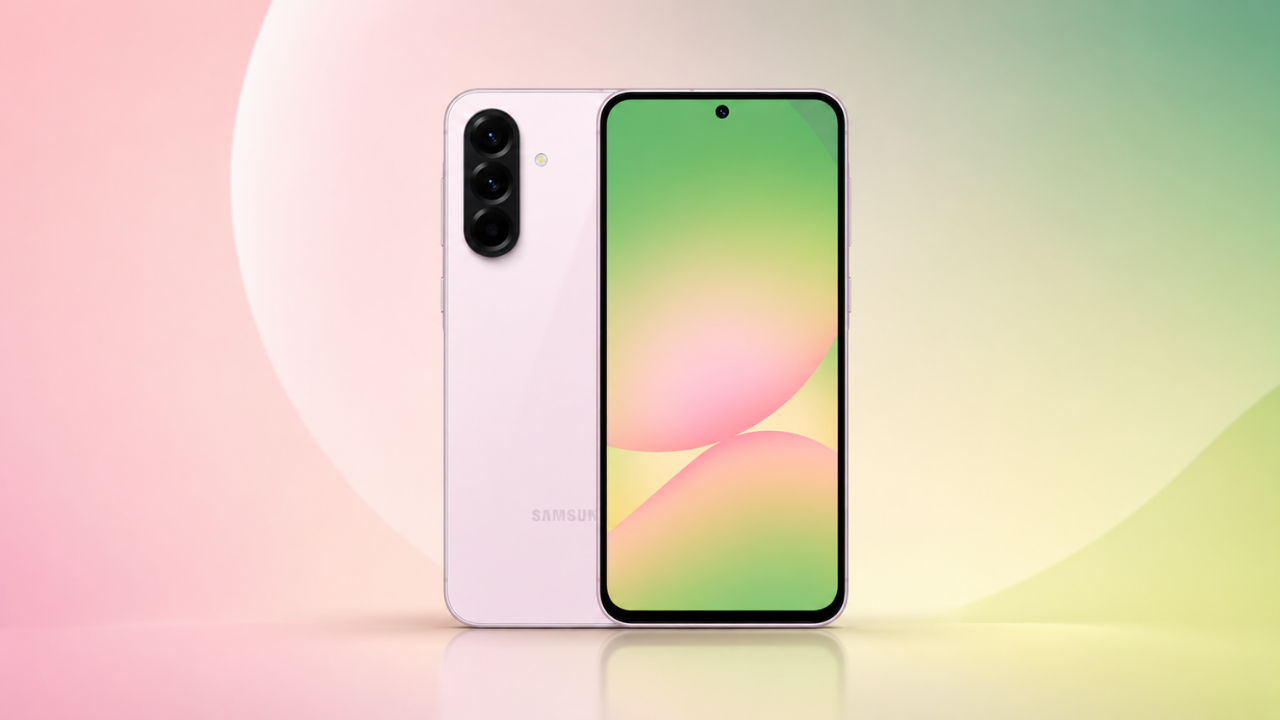
Samsung has started rolling out the stable One UI 9.0 update, based on Android 17, to the Galaxy A55 and Galaxy A35. The first reports appeared on October 21, with the A55’s build shared by tipster Tarun Vats, and the update is so far limited to South Korea. Samsung has ended the beta program for both phones, and more countries are expected to follow in the coming days.
| Detail | Galaxy A55 | Galaxy A35 |
| Update | One UI 9.0, stable | One UI 9.0, stable |
| Android version | Android 17 | Android 17 |
| Firmware | A556SKSUBEZJ1 | A356NKSUAEZJ2 (ends in EZJ2) |
| Region | South Korea | South Korea |
| Download size | Not reported | Not reported |
| Security patch | Not reported | Not reported |
The A55 build is consistent across reports, with a couple of alternate builds also listed for it. The A35’s full build number is less certain: some reports give only the ending, EZJ2, so treat the complete string as tentative. Reports also differ on who gets the update first. One says the stable build is currently available only to beta participants in South Korea, while others describe a general South Korean release that ends the beta program. Both phones’ betas reportedly ran for around six weeks, and the A55 had three beta updates.
Nobody has published a changelog for these two phones. Reported One UI 9 changes include slightly refined interface elements, more Quick Panel customization, improvements to Samsung Notes, accessibility and Samsung DeX, and a location privacy indicator. One report also lists a network speed indicator in the status bar and a new “Warranty and care” section in Settings. Not every feature is likely to reach these mid-range phones, and the A55 is unlikely to get all of Samsung’s newest AI features, since it didn’t support the full Galaxy AI suite at launch.
Both phones launched in March 2024 on Android 14 with Samsung’s promise of four major Android upgrades and five years of security updates. With One UI 9 now arriving, one more major upgrade would remain under that promise, although Samsung hasn’t confirmed any plans for it. The update follows the Galaxy A56 and A36 in South Korea and the Galaxy A37.
To check, open Settings, tap Software update, then Download and install. Rollouts are staged, so you may not see the update yet even if your phone is supported. Use Wi-Fi and back up important data before installing.

M Adnan Akram is the founder and lead writer at Phoonomo, covering mobile technology with a primary focus on Apple and the broader smartphone industry, alongside emerging developments in AI. He follows product launches, spec leaks, and industry trends closely to keep readers informed with timely updates.
Discover more from Phoonomo
Subscribe to get the latest posts sent to your email.