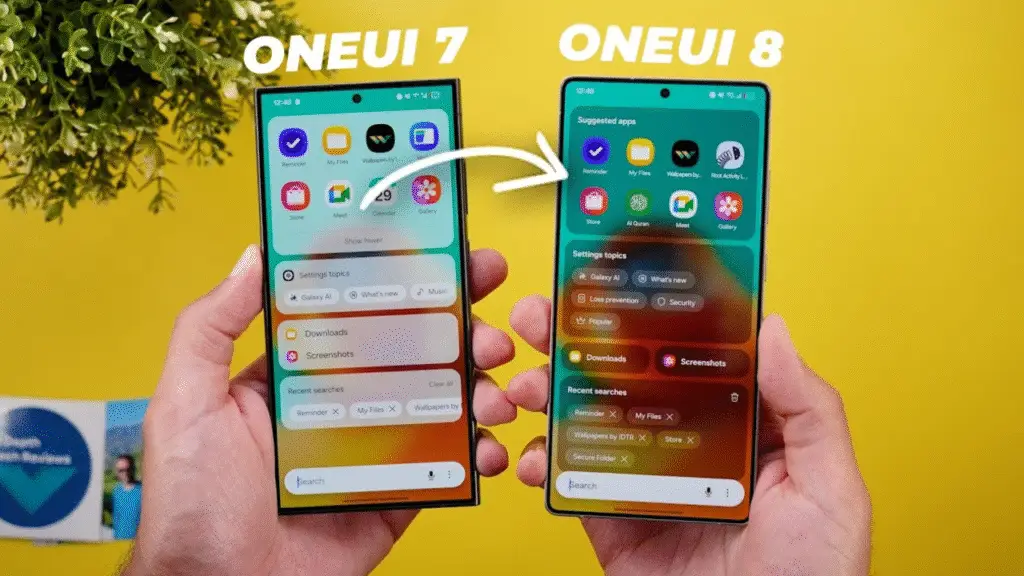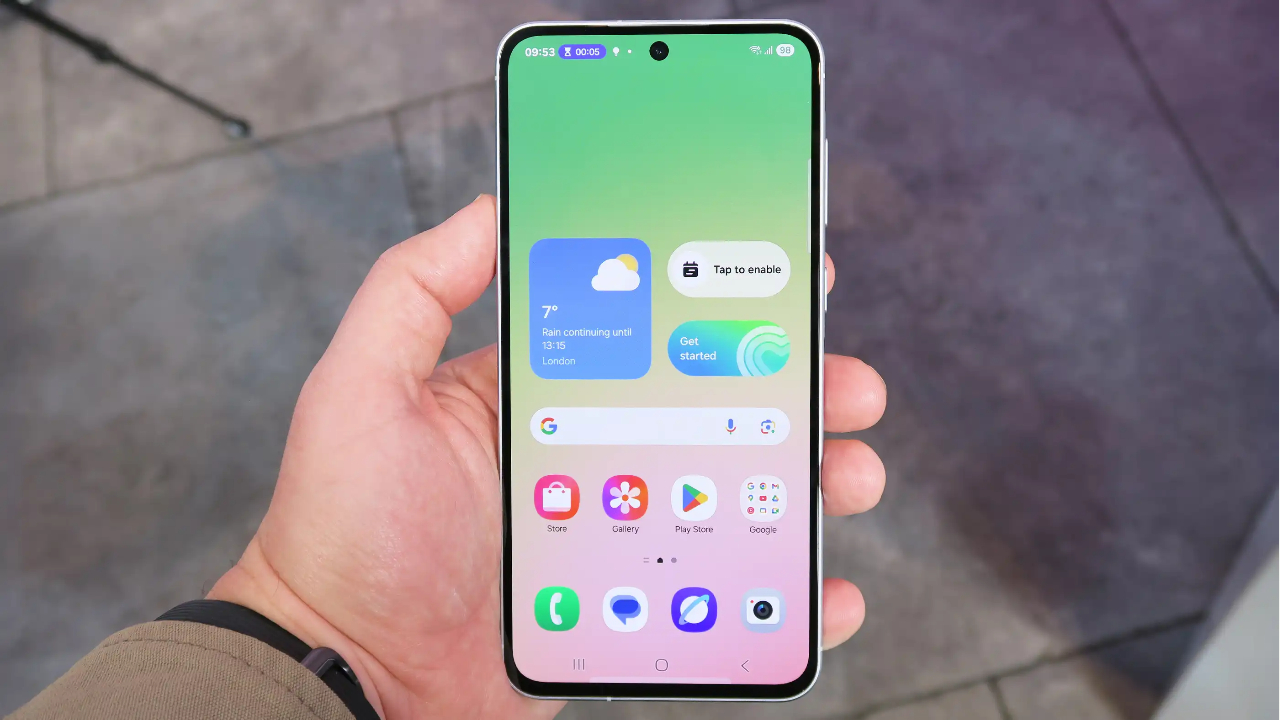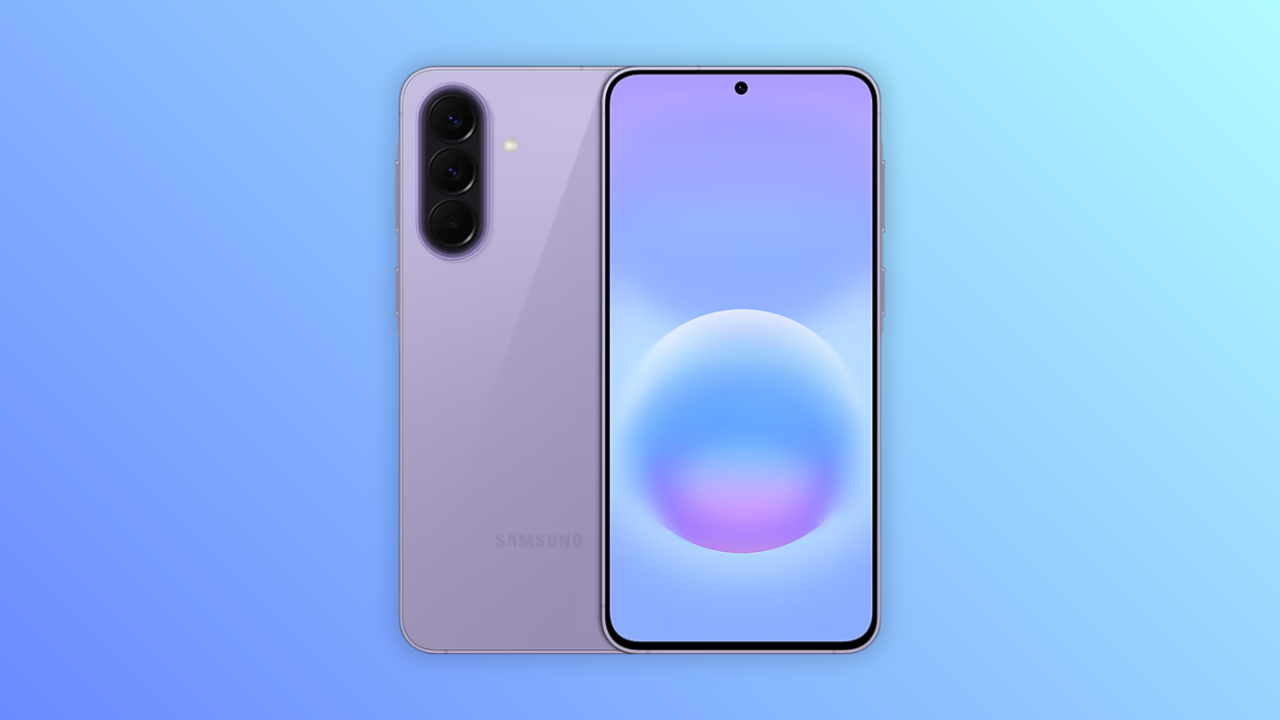
Samsung might finally be giving Galaxy phones a proper App Lock, and honestly, it’s about time. The feature showed up in an internal One UI 9.5 build running on a Galaxy S26, and unlike Secure Folder, which has been Samsung’s go-to privacy tool for years, this one’s dead simple: long-press an app, tap the little lock icon, confirm, and boom, that app now needs authentication to open. No moving anything into a separate protected space, it just locks right where it already lives.
Authentication runs through whatever you’re already using to unlock your phone, biometrics, PIN, pattern, or password, so there’s apparently no separate App Lock code to remember. The privacy details are the part worth paying attention to, though. Lock an app and its notifications get stripped of actual content too, so someone glancing at your lock screen isn’t going to read your WhatsApp messages just because the app itself is locked. Widgets and shortcuts tied to that app also disappear from your Home screen, which closes another obvious leak point.
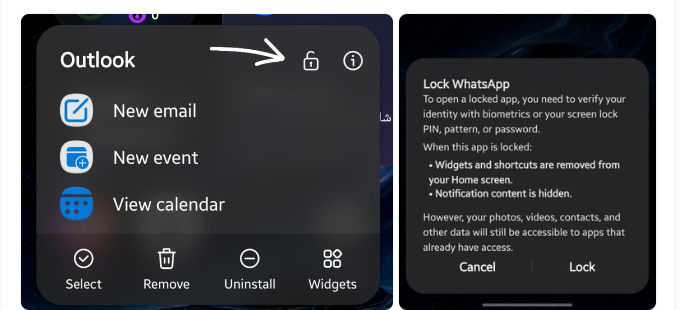
One thing this isn’t: real data isolation. If another app already has permission to your photos or contacts, locking a separate app doesn’t stop that access. This is about keeping people out of the app itself, not walling off your data everywhere it lives. For that, Secure Folder still does more.
Timing-wise, One UI 9.5 is expected to debut with the Galaxy S27 series in early 2027, with the Galaxy S26 and the newer Z Fold/Flip 8 potentially getting it down the line, though Samsung hasn’t published anything official. This is still internal firmware territory, not a confirmed feature, so the final version could look a bit different by the time it actually ships.

M Adnan Akram is the founder and lead writer at Phoonomo, covering mobile technology with a primary focus on Apple and the broader smartphone industry, alongside emerging developments in AI. He follows product launches, spec leaks, and industry trends closely to keep readers informed with timely updates.
Discover more from Phoonomo
Subscribe to get the latest posts sent to your email.