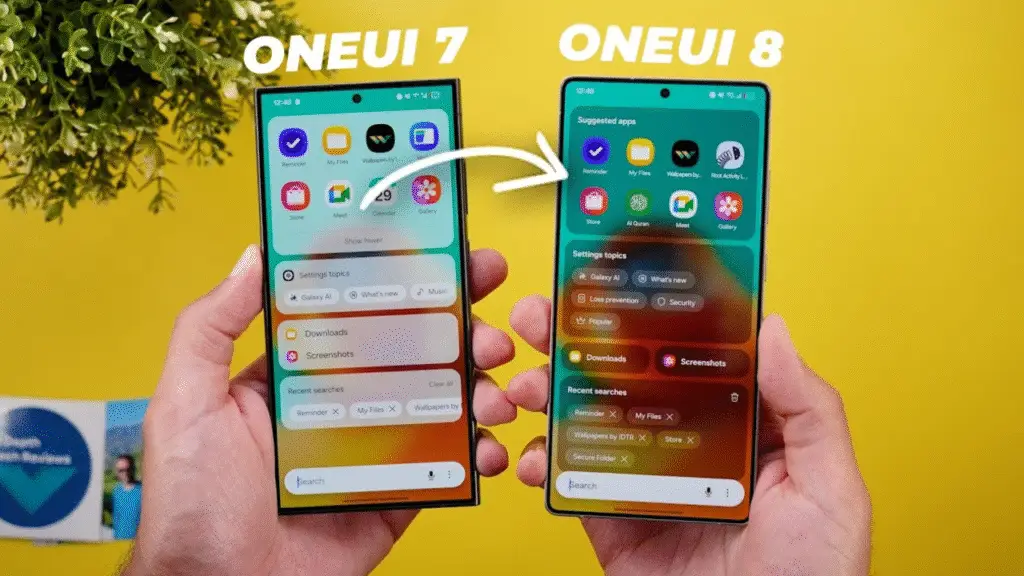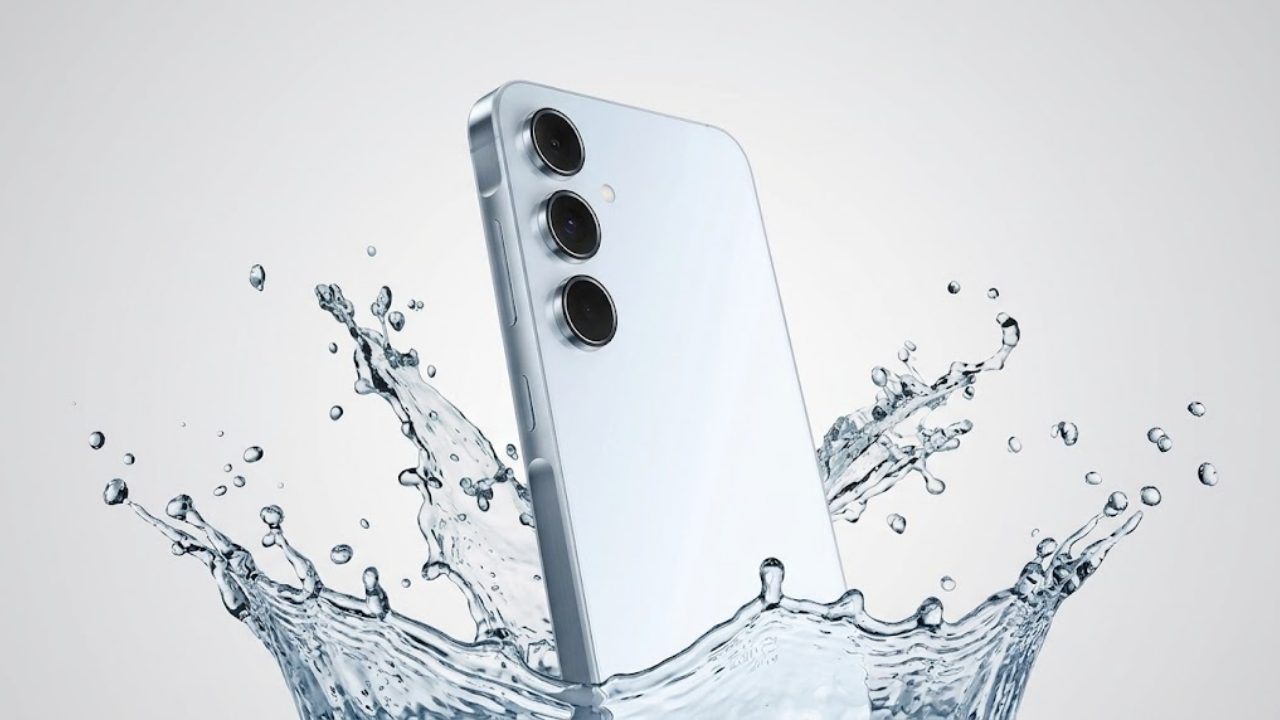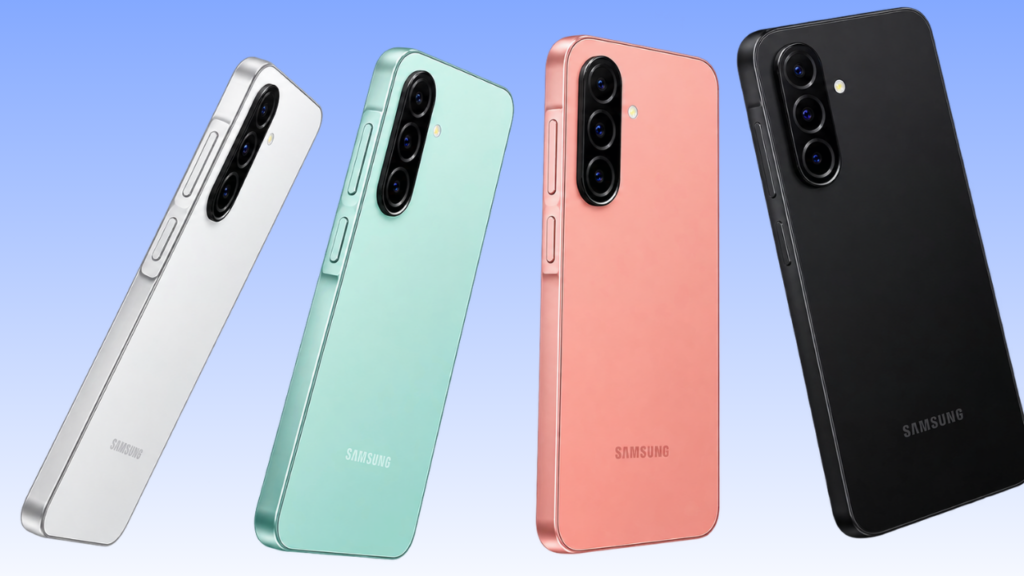
Samsung has started rolling out stable One UI 9.0, based on Android 17, to the Galaxy A26 5G, according to Mohammed Khatri. The update appeared on October 22, first in the Philippines, which makes the A26 the next mid-range phone in line after the Galaxy A56 and A36 received it in South Korea. The rollout is described as an initial debut, and the update should reach a broader audience soon.
| Detail | Galaxy A26 5G |
| Update | One UI 9.0, stable |
| Android version | Android 17 |
| Firmware | A266BXXUCDZJ6 (SM-A266B) |
| First reported | October 22, 2026 |
| Region | Philippines; Malaysia, Thailand and Vietnam listed in a Samsung Community post |
| Security patch | Not reported |
| Download size | Not reported |
The firmware number comes from Sammy Fans and was repeated by other outlets, though at least one couldn’t confirm it on Samsung’s update server, and other regional variants will likely get different builds. The countries beyond the Philippines come from a community forum post rather than Samsung, so treat them as tentative. Availability also varies by country and carrier, and one report expects the global rollout to finish by the end of November. Reports say the A26 wasn’t part of the One UI 9 beta, which reached phones as affordable as the Galaxy A07, so owners are getting the stable build without a test stage.
The changelog is the same one other One UI 9 phones have been getting. The Quick Panel is more customizable, letting you rearrange controls, resize the brightness and volume sliders and the media player, and separate the sound mode button from the volume slider. A new Warranty and care menu has been added to Settings, along with a faster lockdown method that blocks biometric unlock and a blue indicator when an app uses your location. Samsung Health has been redesigned with customizable home-screen cards, quicker logging of meals and mood, and new trend charts, and accessibility gets enlarged text in a separate window, more keyboard shortcuts, improved mouse keys, Select to speak and TalkBack updates through the Play Store. Not every feature is guaranteed on every model, and some Health features may need a compatible Galaxy wearable.
To check, open Settings, tap Software update, then Download and install. The installation takes about 15 minutes, so keep the phone charged and use Wi-Fi. If nothing shows up yet, check again in a few days, since the rollout is staged. The A26’s successor already has the update in Europe, as the Galaxy A27 reached Europe earlier this week.

M Adnan Akram is the founder and lead writer at Phoonomo, covering mobile technology with a primary focus on Apple and the broader smartphone industry, alongside emerging developments in AI. He follows product launches, spec leaks, and industry trends closely to keep readers informed with timely updates.
Discover more from Phoonomo
Subscribe to get the latest posts sent to your email.