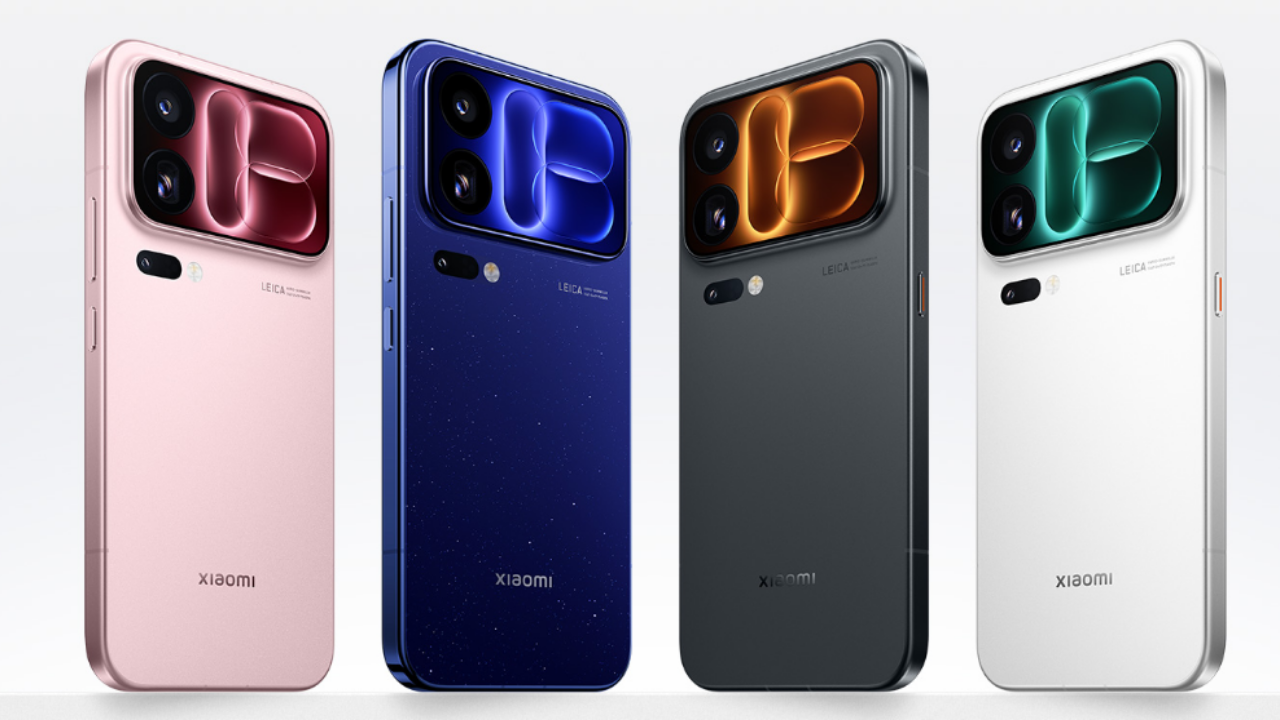
Apple has released iOS 27.2, the first major update to iOS 27 since it launched in September. The update is available for every iPhone that runs iOS 27, including the iPhone Duo, and Apple has released iPadOS 27.2 alongside it. The headline changes are five new Siri AI languages, Messages suggestions, a new Apple Music look and Apple Pencil support on the iPhone Duo.
| Detail | Information |
| Update | iOS 27.2 |
| Release date | October 26, 2026 |
| Build number | 24B119 (iPhone), 24B91020 (iPhone Duo) |
| Release candidate build | 24B115 |
| Compatible devices | All iPhones that run iOS 27, including iPhone Duo |
| Security | Security updates included; CVE details not yet published |
| Installation | Settings → General → Software Update |
The final build differs from the release candidate that Apple seeded to developers a week earlier, and the iPhone Duo gets its own build number, according to Apple’s developer release listing.
Siri AI
Siri AI is the biggest part of the update, and its features are limited to the iPhone 16 lineup and later, plus the iPhone 15 Pro and iPhone 15 Pro Max.
- Conversation recall: Siri AI can remember past conversations, so you can ask about something it told you before, such as restaurants it recommended last week.
- More sources: It can draw on photos attached in Messages, Calendar event attendees, voicemails, and Safari history and Reading List.
- Excluded Apps: A single setting lets you choose which apps Siri, Search and suggestions can access.
- Text selection: You can select and copy just part of a Siri response.
- New languages: French, Japanese, Korean, Portuguese and Spanish are now supported. Siri AI isn’t available in the EU or mainland China.
Messages, Photos and apps
Messages now offers suggestions based on the conversation, such as adding a Calendar invite for a dinner. Shared Albums in Photos lets you edit captions and comments, avoid adding duplicate photos and see a reminder before an album expires. Photos and Image Playground also support SynthID watermarking, which helps identify images generated or modified with generative tools.
Apple Music gets a new black-and-white app icon in place of the red one, along with refreshed widgets with black backgrounds. The Podcasts Home tab now separates New Episodes from Continue Playing, and the Apple TV app adds Simple Profiles so each person in a household gets their own recommendations. The Games app’s Friends tab shows more context on friend suggestions, and FaceTime can add a third-party sign language interpreter or live captioner to a call. Dual Capture also comes to Group FaceTime. HomePod owners get a Lock Controls setting once both the iPhone and HomePod are on version 27.2, and in the EU the update adds an alternative expanded prompt for App Tracking Transparency.
iPhone Duo
The Duo’s release notes add two features: Apple Pencil support and Edge Light, which illuminates your face during video calls. Only the USB-C Apple Pencil works; Apple Pencil Pro and other models aren’t supported.
Security
Apple’s notes for the iPhone Duo say the update includes security updates, and Apple also released iOS 26.7.2 with security fixes. The company hasn’t yet published a breakdown of the vulnerabilities fixed in iOS 27.2 on its security page, so it isn’t clear which components were patched. Installing the update is the safest option either way.
What’s missing
The redesigned Health app that showed up in earlier iOS 27.2 betas isn’t in the final release. Apple removed it before launch, and it’s still expected later this year.
To install iOS 27.2, open Settings, go to General, then Software Update, and tap Download and Install. Connect to Wi-Fi, make sure you have enough free storage and back up your data first.

M Adnan Akram is the founder and lead writer at Phoonomo, covering mobile technology with a primary focus on Samsung and the broader smartphone industry, alongside emerging developments in AI. He follows product launches, spec leaks, and industry trends closely to keep readers informed with timely updates.
Discover more from Phoonomo
Subscribe to get the latest posts sent to your email.