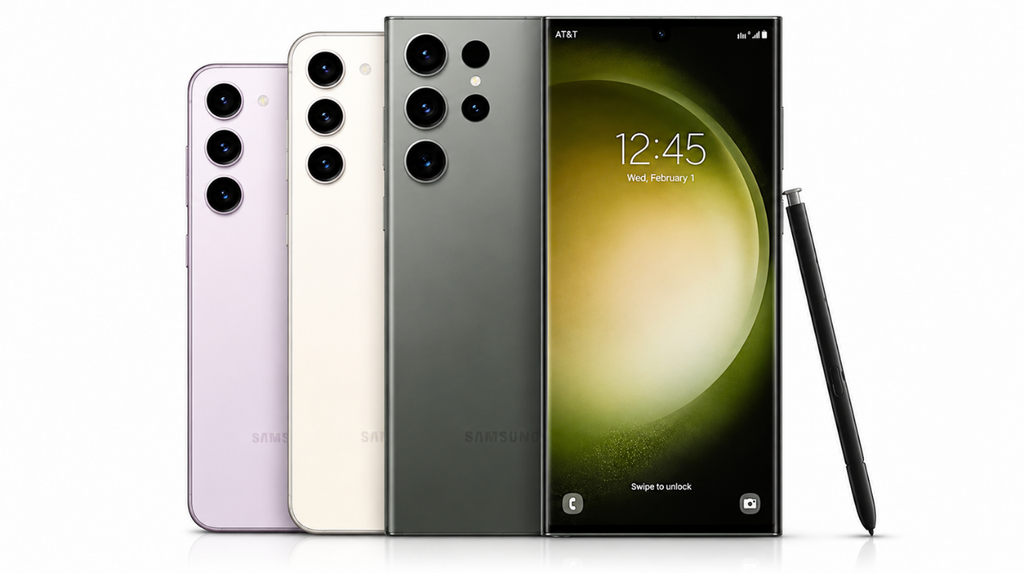
Samsung has started rolling out stable One UI 9.0, based on Android 17, to the Galaxy S23 series, Galaxy Z Fold 5 and Galaxy Z Flip 5 in the US, according to Verizon. The first US builds appeared on October 23 on Verizon’s network, which follows the S23 series reaching Europe and South Korea earlier this month. The update includes the October 2026 security patch.
| Phone | Firmware | Security patch |
| Galaxy S23 | S911USQU8GZIF | October 2026 |
| Galaxy S23+ | S916USQU8GZIF | October 2026 |
| Galaxy S23 Ultra | S918USQU8GZIF | October 2026 |
| Galaxy Z Fold 5 | F946USQU8HZIJ | October 2026 |
| Galaxy Z Flip 5 | F731USQU8HZIJ | October 2026 |
The builds follow a clear pattern, with the S23 trio ending in GZIF and the two foldables ending in HZIJ. Only Verizon is confirmed so far. Other US carriers and unlocked models haven’t been reported, and they usually get updates at different times, so don’t assume yours is ready if it isn’t a Verizon unit. Verizon also rolls updates out in stages, which means you may not see it right away even on a supported phone. The previous Verizon update for these phones was the September patch on September 24.
The download is large. Reports put it at around 4GB on some phones, and no size has been published for every model. Because these are 2023 phones, this is a full OS upgrade rather than a routine security update, so plan for Wi-Fi, a charged battery and enough free storage.
Release notes for the foldables mention Warranty and Care, which moves device support into Settings, and Interpreter with a new History view. The S23 notes are shorter and only refer to Android 17, One UI 9.0 and general UX improvements. Other reported One UI 9 changes include a more customizable Quick Panel, Samsung DeX improvements, Tape in Samsung Notes and a location access indicator, though that list comes from an earlier beta build and may not match the final release on every phone. The update follows the Galaxy S24 series in the US and the Galaxy Z Fold 6 and Z Flip 6 global rollout.
To check, open Settings, tap Software update, then Download and install.

M Adnan Akram is the founder and lead writer at Phoonomo, covering mobile technology with a primary focus on Apple and the broader smartphone industry, alongside emerging developments in AI. He follows product launches, spec leaks, and industry trends closely to keep readers informed with timely updates.
Discover more from Phoonomo
Subscribe to get the latest posts sent to your email.