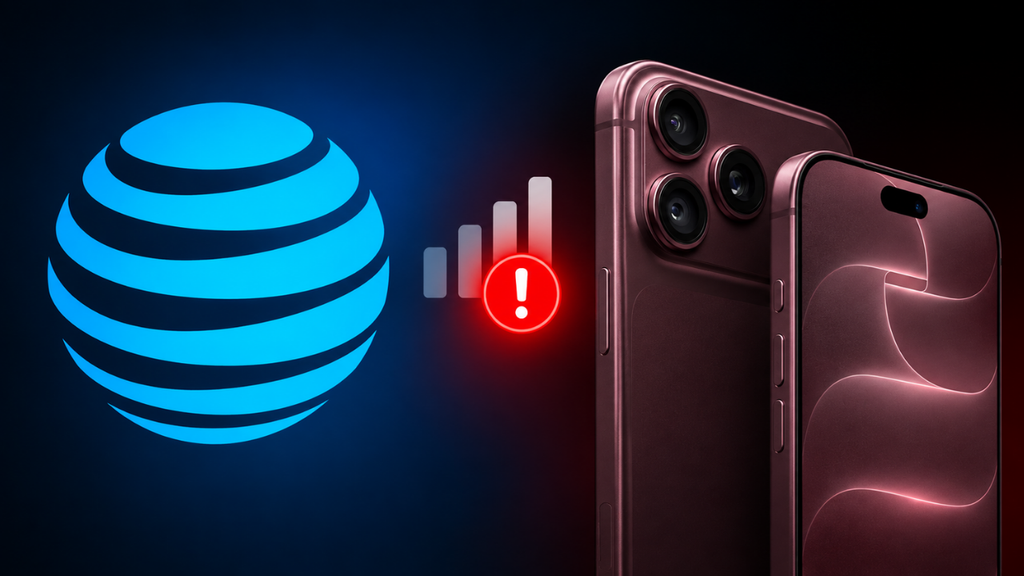
AT&T sent a direct text message to some iPhone 18 Pro Max customers today, warning that affected phones may be unable to complete calls, texts, or data connections including calls to 911. The message tells customers to update immediately through Settings, then General, then Software Update, to install iOS 27.0.1.
What’s Actually Going Wrong
Reports started surfacing shortly after the iPhone 18 Pro Max launched, with affected users describing their phone suddenly dropping to SOS mode, losing AT&T service entirely, failed calls and texts, cellular data going dark, and the network flipping repeatedly between 5G and SOS sometimes in locations where other AT&T phones work fine. Some owners say the phone worked normally for days before the problem started. eSIM activation issues appear connected in at least some cases, but not all of them, so it’s broader than a single eSIM bug.
The iOS 27.0.1 Catch
Here’s the part worth understanding clearly: AT&T is telling people to install iOS 27.0.1, but Apple’s own release notes for that update don’t mention an AT&T connectivity fix at all. What Apple documented instead were fixes for a Face ID issue on the 18 Pro models, camera color artifacts in certain conditions, and a touchscreen glitch affecting Notification Center and Control Center. Several affected users say they’ve already updated and the problem is still happening. So while updating is still the right first step it’s possible, and worth trying it isn’t a confirmed fix for this specific issue yet.
Is the Qualcomm Modem to Blame?
There’s a genuine hardware difference worth mentioning, one that surfaced in Apple’s own spec pages before any of this started: the US iPhone 18 Pro Max is the only new iPhone this year that uses a Qualcomm cellular modem rather than Apple’s own C2 the smaller iPhone 18 Pro and iPhone Duo use C2 everywhere, and even the Pro Max uses C2 outside the US. That’s led to speculation that the Qualcomm modem itself is the culprit, but there’s currently no evidence confirming that’s actually the cause rather than something on AT&T’s network or provisioning side. It should be treated as a notable coincidence, not a diagnosis.
Not Every Phone Is Affected
This is hitting a subset of AT&T customers, not every iPhone 18 Pro Max owner Apple hasn’t disclosed numbers, and there are scattered reports of similar issues on the smaller iPhone 18 Pro too, though AT&T’s warning specifically names the Pro Max.
What to Do If You’re Affected
Update to iOS 27.0.1 first, since it’s possible but not guaranteed to help. If the problem continues afterward, contact AT&T or Apple directly rather than repeatedly removing and re-adding the eSIM yourself AT&T has specific activation steps for this phone, and improvising could make things messier to diagnose. Given 911 access is explicitly part of AT&T’s warning, anyone experiencing this issue should treat it seriously rather than waiting it out, and have a backup way to reach emergency services in the meantime if their phone is showing SOS or no service.
AT&T has acknowledged the issue directly, but neither AT&T nor Apple has explained the root cause publicly yet, so it’s still unclear whether the real fix ends up coming through a future iOS update, a carrier-side network change, or new eSIM provisioning. Apple’s own support community thread on the issue has drawn nearly 800 “me too” responses, with several users reporting that installing iOS 27.0.1 didn’t resolve it for them, while others say an in-store device replacement did.

M Adnan Akram is the founder and lead writer at Phoonomo, covering mobile technology with a primary focus on Apple and the broader smartphone industry, alongside emerging developments in AI. He follows product launches, spec leaks, and industry trends closely to keep readers informed with timely updates.
Discover more from Phoonomo
Subscribe to get the latest posts sent to your email.