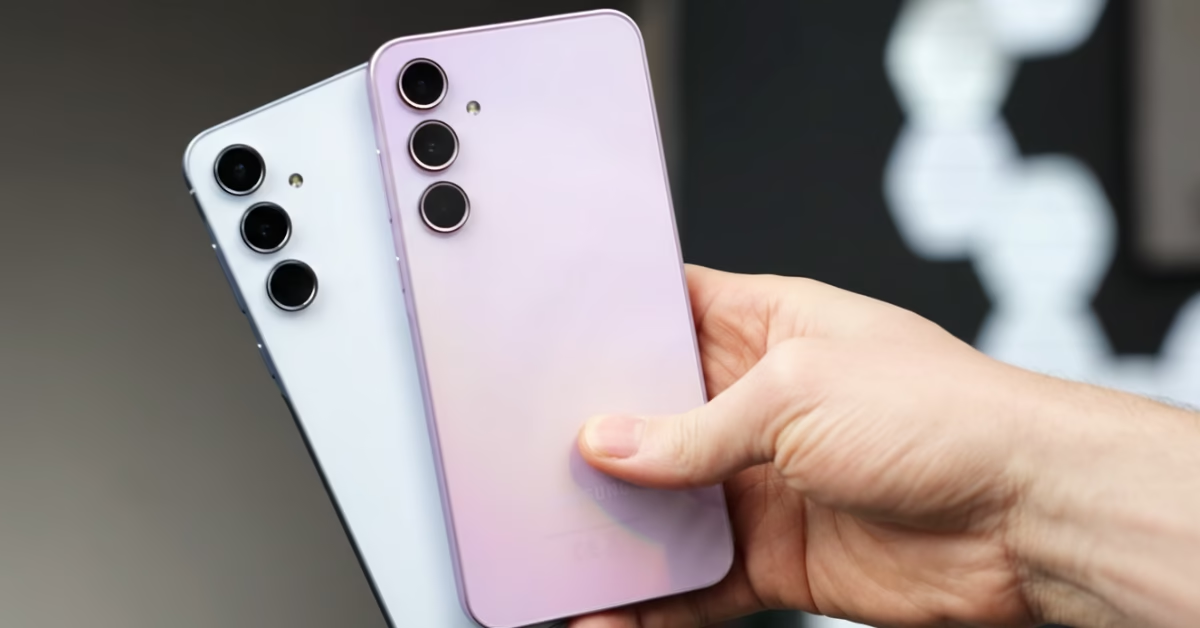
Samsung has started rolling out a second October update for the Galaxy S25, S25+ and S25 Ultra in South Korea, according to Kailash. It arrives even though November has begun, and it comes after the October 2026 security update for the S25 series. The firmware ends in DZJB, the security patch stays at October 2026, and Samsung’s changelog only mentions stabilization code, with no new features.
| Detail | Info |
| Models | Galaxy S25, S25+ and S25 Ultra |
| Firmware | S931NKSUDDZJB, S936NKSUDDZJB, S938NKSUDDZJB (as reported) |
| Region | South Korea first |
| Download size | About 700MB in one report |
| Security patch | October 2026, unchanged |
| Official changelog | Stabilization code applied |
| Specific fixes | Not listed by Samsung |
| Galaxy S25 FE | Separate build ending in CZJC reported |
| Other regions | Expected, not confirmed |
The changelog note says stabilization code related to device operation has been applied, which fits a general stability and performance update. Samsung hasn’t named any bugs it fixes, so there is no basis yet for saying it solves a particular battery, heat or lag problem. The update is also not the November security patch, so users shouldn’t expect new security fixes beyond what the first October update brought. The Galaxy S26 series received a similar second October update about a week earlier.
The S25 FE is reported to get its own version of the update, on a build ending in CZJC. The size is reported at roughly 700MB, but the report doesn’t say which model that figure applies to, so other models and regions may differ. The update also comes soon after the S25 series got stable One UI 9, though nothing confirms that it targets issues from that upgrade.
Only South Korea is confirmed for now, and other markets are expected to follow in the coming days or weeks, since Samsung rolls out updates in stages. Samsung has also been busy with October-patch updates on other phones, such as the Galaxy S23 FE October security update that arrived instead of One UI 9. If you own an S25 phone, open Settings, tap Software update, then Download and install.

M Adnan Akram is the founder and lead writer at Phoonomo, covering mobile technology with a primary focus on Samsung and the broader smartphone industry, alongside emerging developments in AI. He follows product launches, spec leaks, and industry trends closely to keep readers informed with timely updates.
Discover more from Phoonomo
Subscribe to get the latest posts sent to your email.