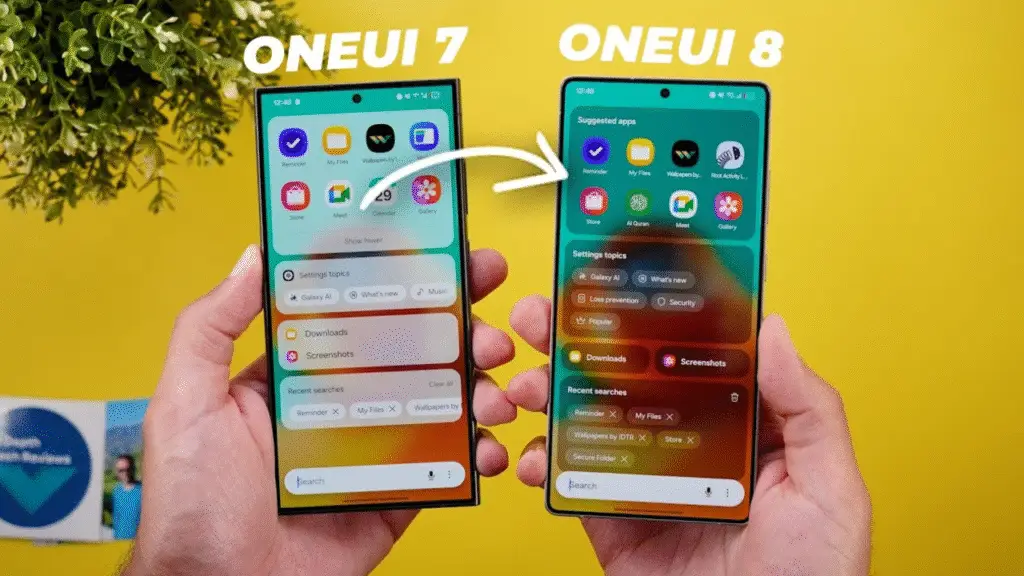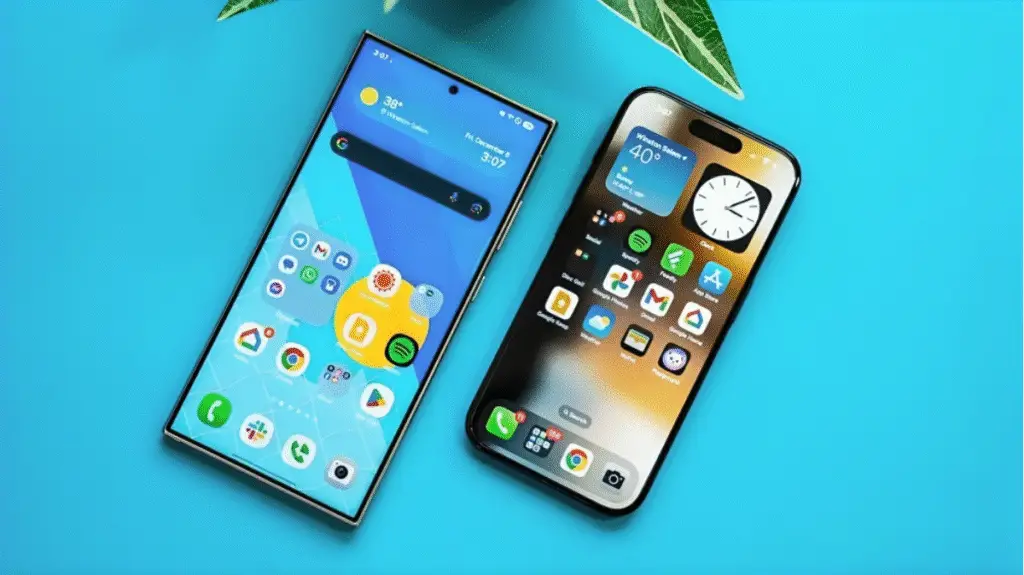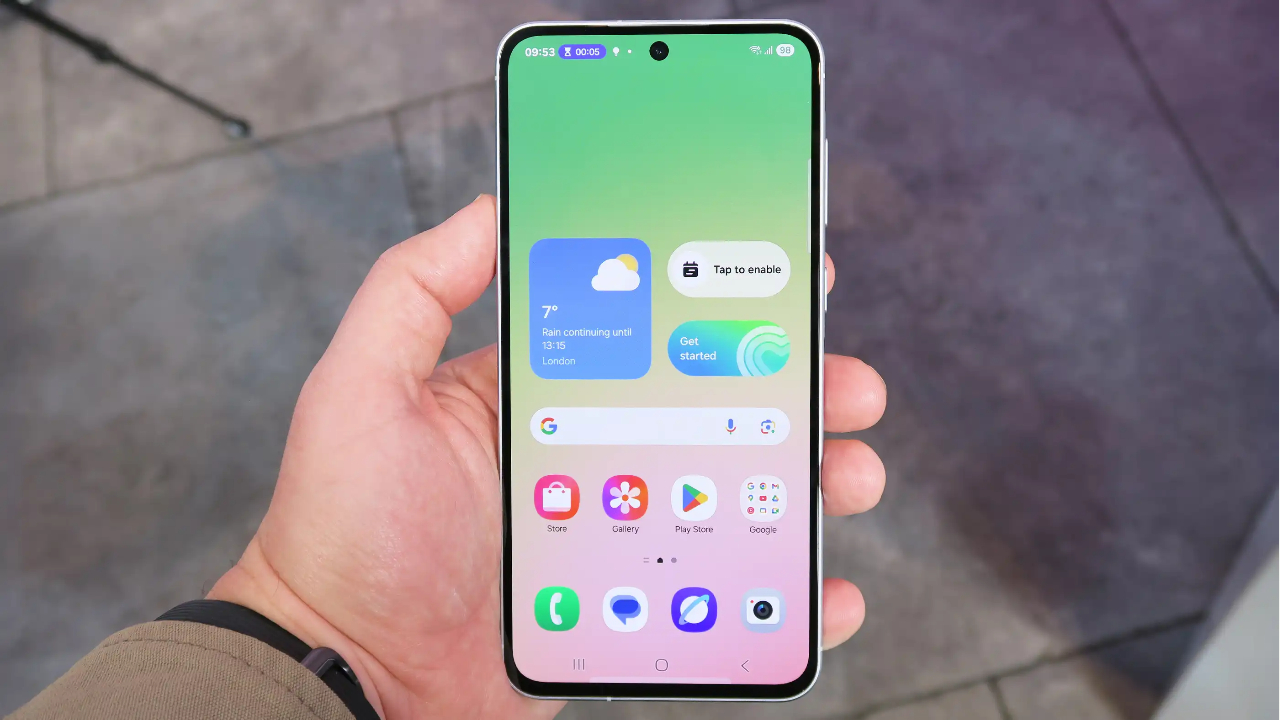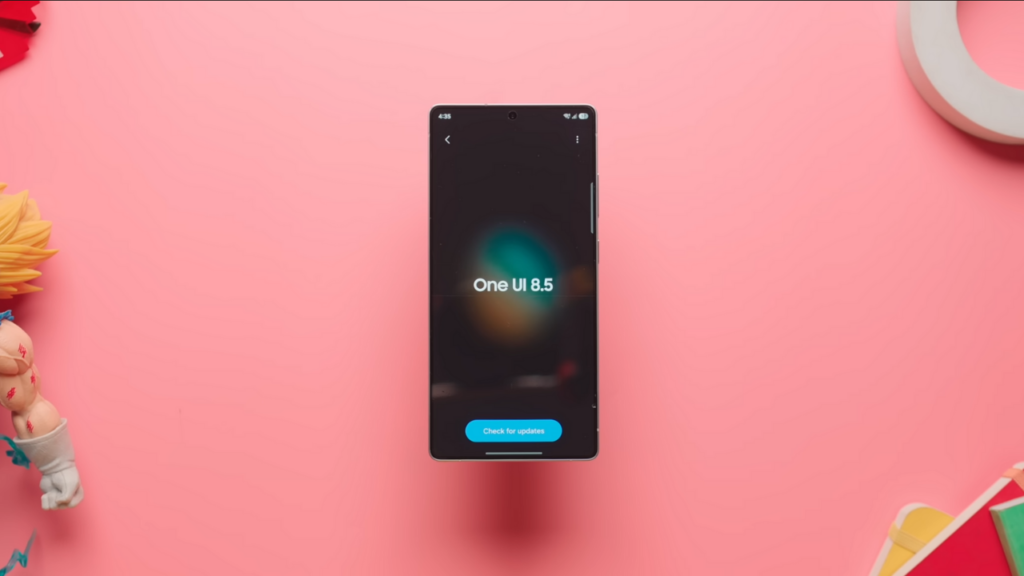
The much awaited OneUI 8.5 is here and we have it installed on our S25 Ultra. Today, I’ll tell you all the cool new features and this time there are a lot. Let’s get started.
Changes in Quick Settings
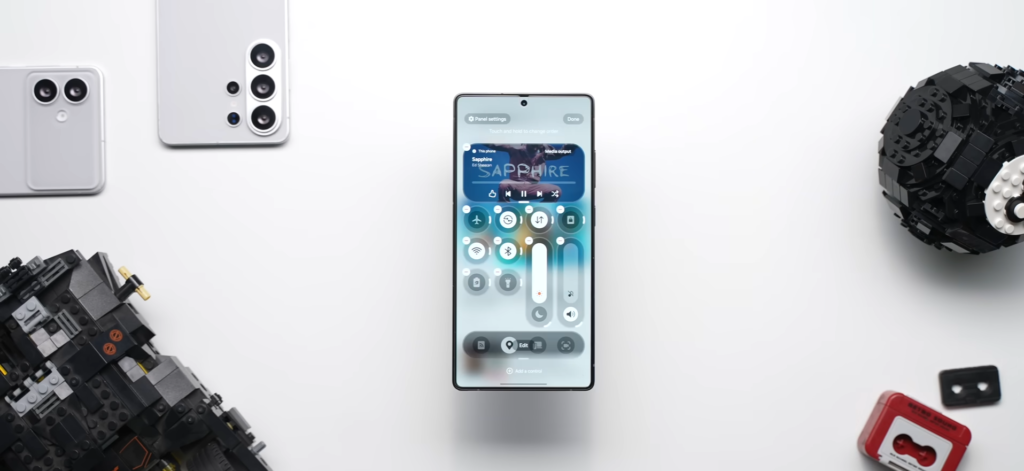
The first big change that I want to talk about is the quick setting. For starters, the volume and brightness sliders are now separate and the clock is also visible. But the fun thing is that you can customize it way more than before. You can not only reorder the tiles, but you can also resize it or even change the orientation. Plus, you’re not restricted to just these shortcuts. You can add a lot more from this button and you can place them anywhere you like.
Visual Changes in OneUI 8.5
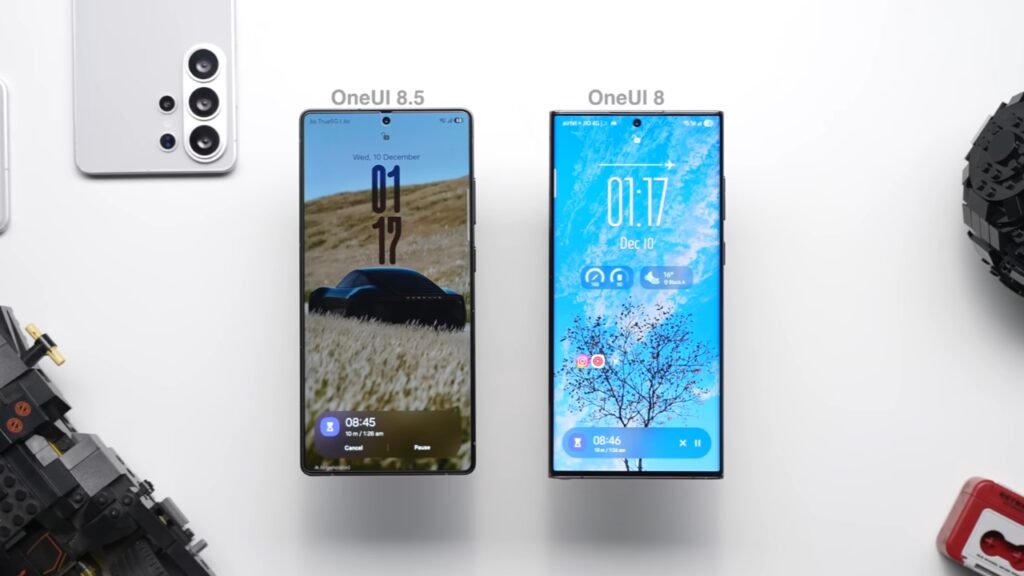
If I talk about the visual changes, there are only some minor ones here and there. In the lock screen, the only change is the way now bar looks. And honestly, I kind of liked it before because it used to look minimal and more userfriendly. And when you get to the home screen and swipe up, you’ll find the search bar looks changed, too. Earlier, it used to just blend into the UI, but now it’s popping up in this pill shaped design. And by the way, this p ill shape, it’s not just there in the app drawer. You will see this throughout the UI. For icons, well, they have changed a bit, but I don’t think anyone will notice. Hey, I didn’t. Yeah.
My Favourite New Features in OneUI 8.5
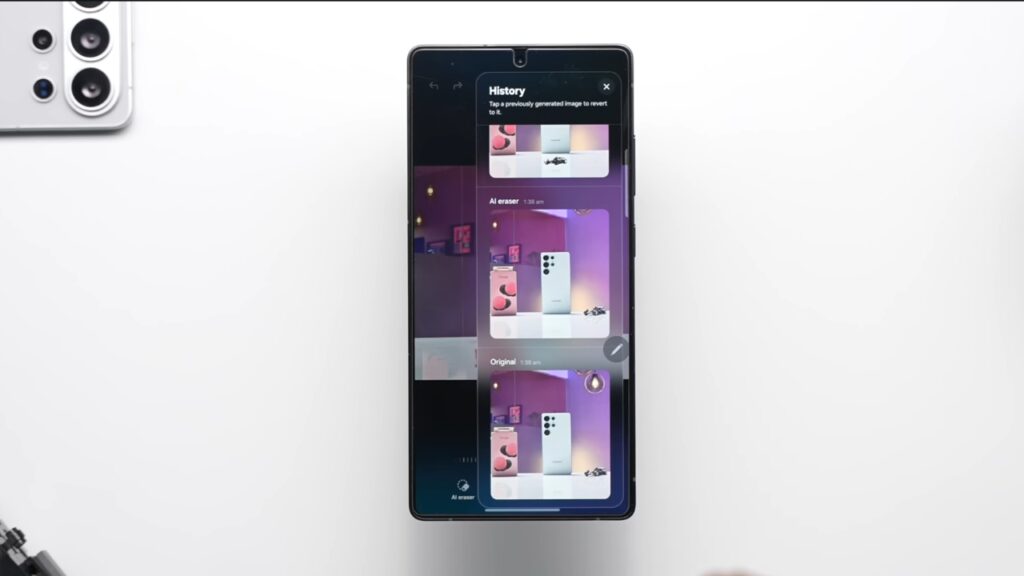
Visually, there’s not a lot here, but feature- wise, this is totally packed. First of all, you can now edit a photo continuously for as many times as you want, and you don’t have to save the photo after each edit. You also get a complete history of all the edits you made, and you can easily go back to the one that you want. This is genuinely very useful because earlier you had to save after each edit and then start again, and there was no history at all.
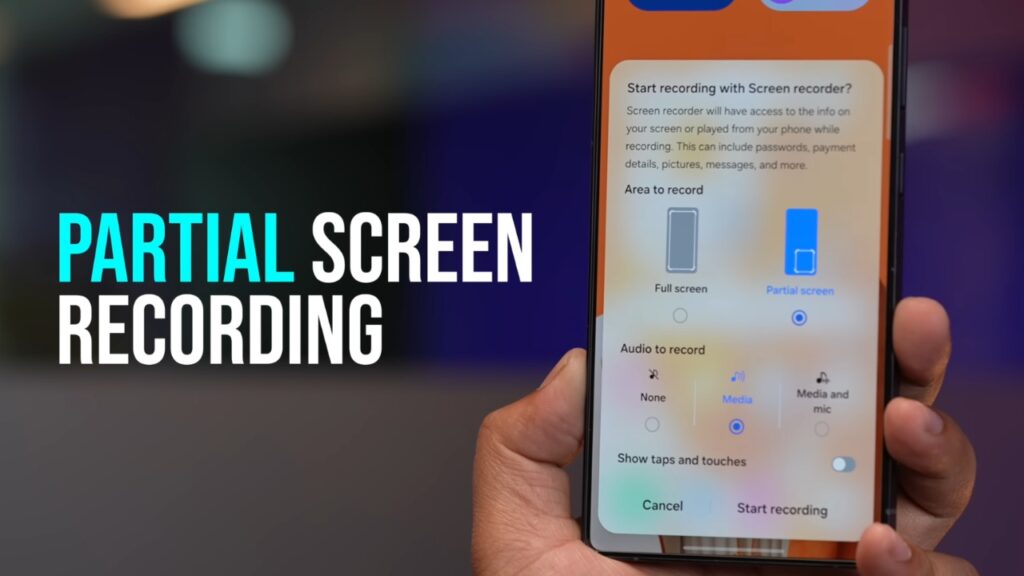
You also get this new option called partial screen recording that lets you do partial screen recording. See, Qualcomm, that’s how you name things. Simple. You just have to select the area that you want visible, hit the record button, and that’s it. It’s recording. There’s this new audio broadcast feature that lets you share audio from your Samsung phone to an unlimited number of devices. Yes, it’s possible through OraCast, but the problem is OraCast is only supported in some premium TWWS and headphones. I really hope it becomes mainstream.
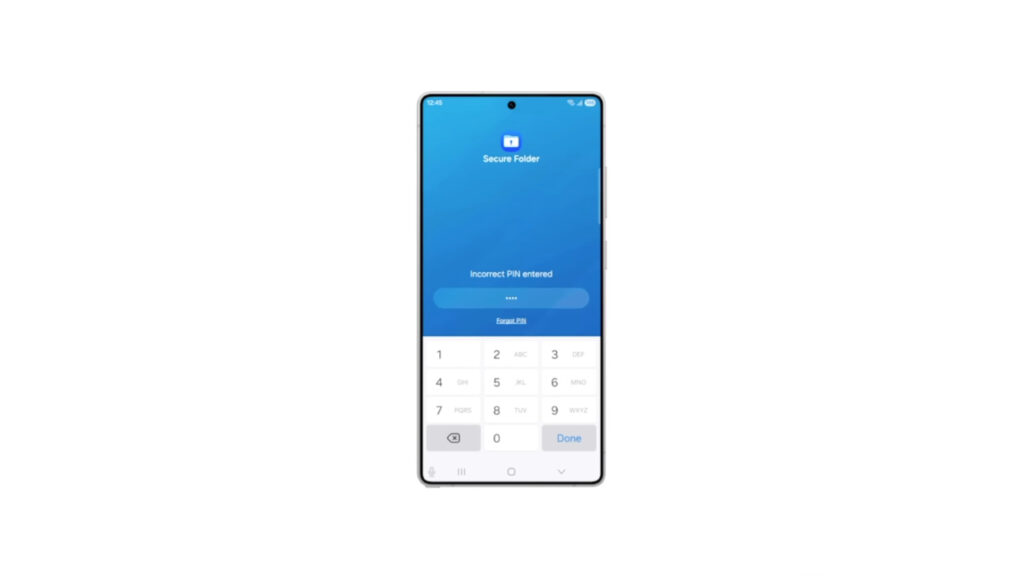
Theft protection has also gotten so much better with 1 UI 8.5. See, let’s say someone stole your phone and it’s already unlocked. They try to change the PIN or the password but enter the wrong password way too many times. This gives a signal to the phone that there’s something fishy and the phone will automatically lock itself and once that happens only you can authenticate it to unlock it. Samsung has also made storage share possible between two phones or tablets because earlier it was only possible with laptops and TVs. This is not a new feature but a nice addition for sure.
App Specific Changes in OneUI 8.5
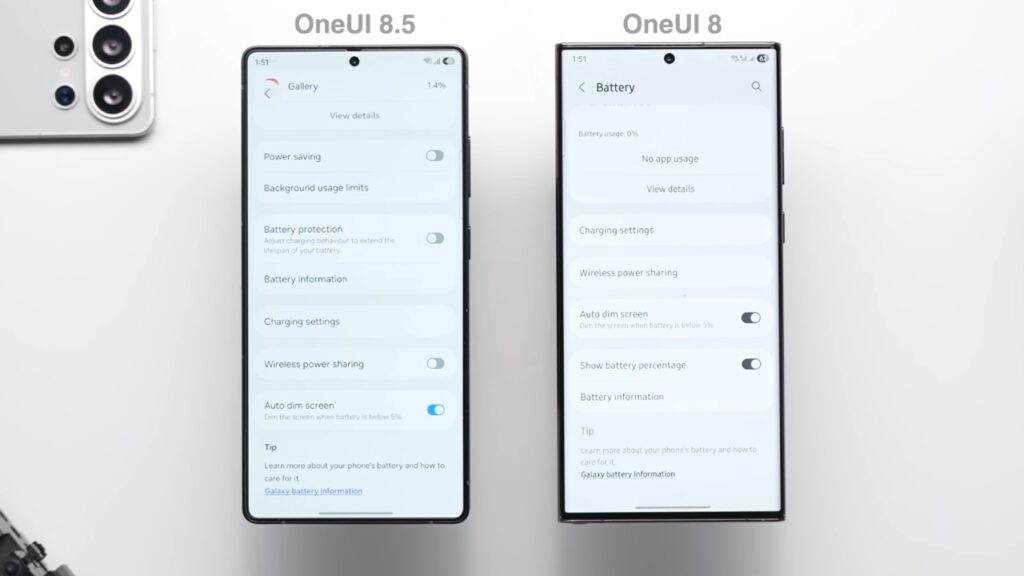
Let’s start with the settings app first. The first thing you’ll see is this pill-shaped search bar at the bottom, which is nice. And now that these subtexts are gone, it also looks way more clean. The battery page is changed, too, as it no longer shows the battery percentage option, which essentially means that battery percentage will now become default on OneUI 8.5. But yeah, you get this new option to hide the battery icon if you want. And yeah, the software update page looks much better now.
Now, if I talk about the phone app, you will see this pill-shaped icon at the bottom which houses all the options. The call screen is changed to this minimal looking one and the incoming call pop-up has gotten bigger.
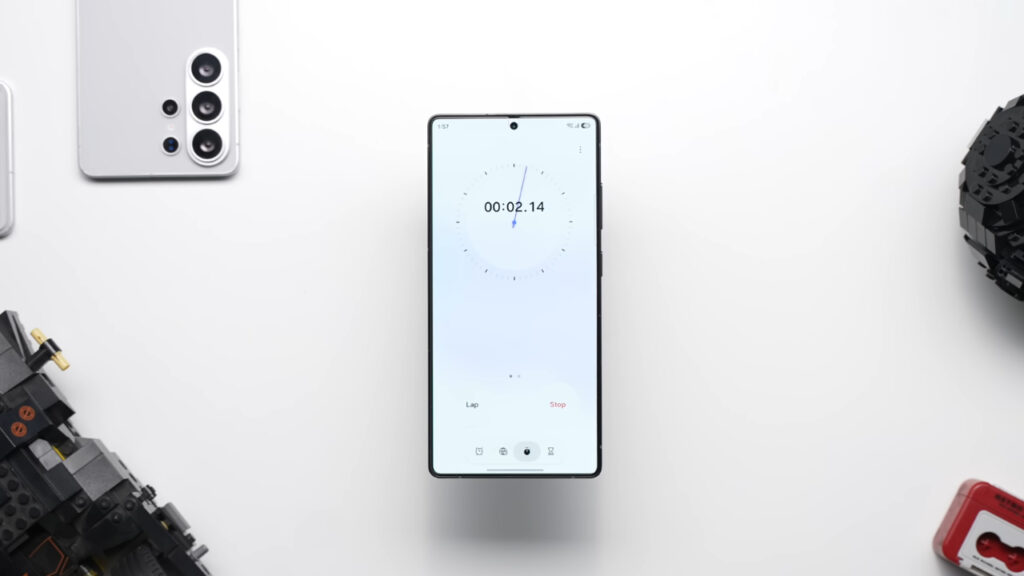
The clock app got a ton of cool new features too. First of all, the new time zone converter page looks quite stunning and you get this slider at the bottom which lets you check the time of any country at any given time. So let’s say you want to see what’s the time in London 3 hours from now. You can just slide it to 3 hours and there you go. It’s really nice. The alarms got better too because now when you hit the snooze button, you do get the timer at the bottom showing you the last few precious minutes of your sleep because earlier it was mostly a guesswork. And finally, the stopwatch page now has a clock with hands as an added option which was not there before.
Apps like voice recorder, file manager, and calculator app have been redesigned too and they now look more modern. And in the calculator, some of the less used features are now moved to the top. And by the way, if your problems are bigger than what the calculator can handle, you can head over to the notes app and you will find this new option called math solver. Just type your equation and you will get the answer.
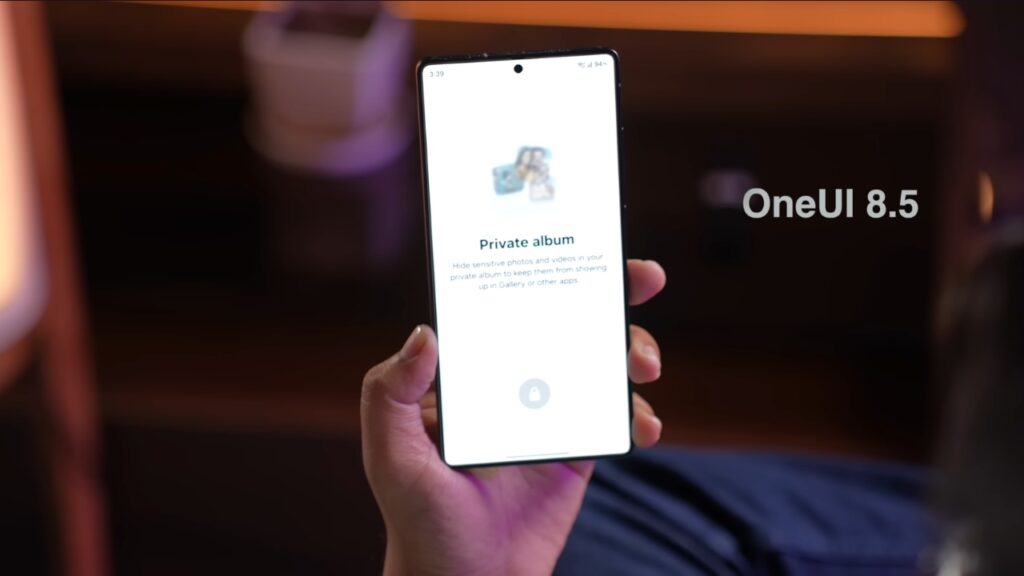
The UI of the gallery app is changed too. But the most meaningful change is that they’ve now included the private album right here in this menu which was earlier hidden inside the gallery lab. And yeah, if you edit any log video in the gallery, you’ll get this new L option as well as an option to use any photo as a filter reference. And whenever you are sharing any photo or video, Quick Share can now detect faces and suggest the contact name proactively, making sharing even faster.
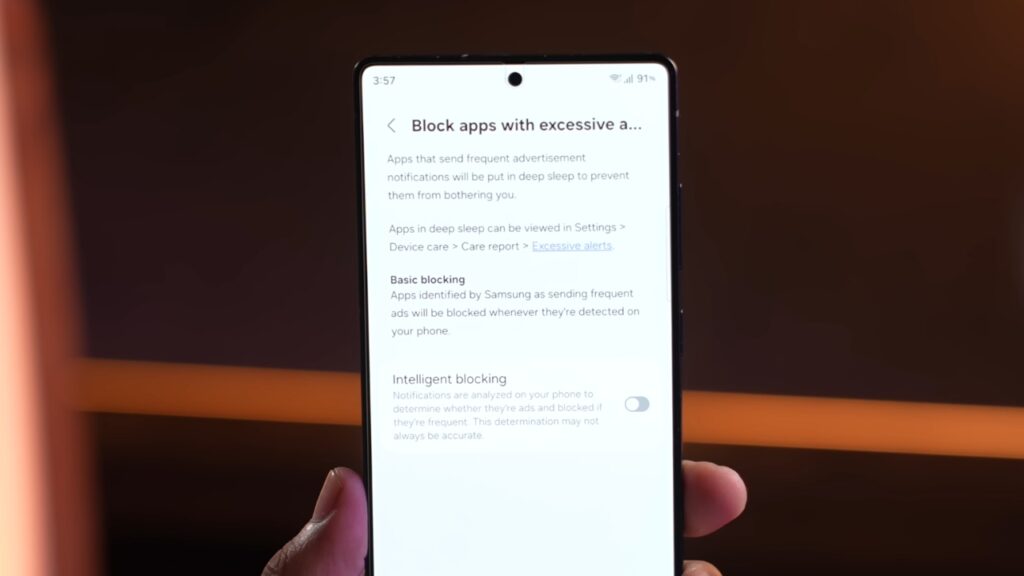
And finally, there’s this new feature in device care that will use AI to analyze all the ad notifications and then put all those spammy apps to deep sleeve. I’m not entirely sure how it works, but if it does what it says it does, I think it can be very useful, especially if you have hundreds of apps installed.
Availability and Supported Devices
Now, those were all the cool new features in the first beta of 1 UI 8.5. And for availability, the stable should start rolling out after the official launch of S26 series. I really hope you found it useful. If you did, please press that like button. It really
Discover More Galaxy S26 Ultra Dummy Units Confirmed

M Adnan Akram is the founder and lead writer at Phoonomo, covering mobile technology with a primary focus on Apple and the broader smartphone industry, alongside emerging developments in AI. He follows product launches, spec leaks, and industry trends closely to keep readers informed with timely updates.
Discover more from Phoonomo
Subscribe to get the latest posts sent to your email.