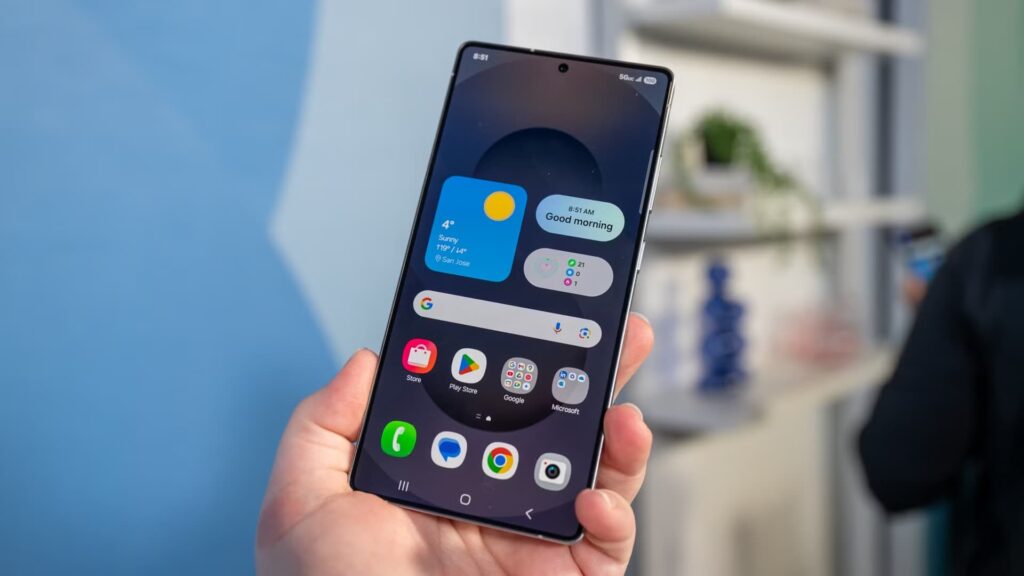
There’s a quiet but significant change happening across Samsung’s latest Galaxy devices, and the Android enthusiast community is not happy about it. With the rollout of One UI 8.5, Samsung has effectively locked down one of the most useful tools power users and repair technicians have relied on for years and the company hasn’t said a single word about it publicly.
Odin is Samsung’s proprietary firmware flashing tool. It’s been around for over a decade, and it’s the backbone of everything from custom ROM installations to factory recovery jobs at independent repair shops. To use Odin, you need Download Mode, a low-level boot state that lets a connected PC communicate directly with the phone’s storage. As of the latest One UI 8.5 firmware on the Galaxy S26 series and Galaxy Z Fold 7, that familiar Download Mode interface is gone. Where users used to see a detailed screen with device information and flashing options, they now get a blank blue screen with brief exit instructions. The usual button combination volume down and power no longer works.
Before panic sets in though, there’s a partial update worth noting. Download Mode isn’t completely dead. Samsung has hidden it behind a new requirement: users must first enable Maintenance Mode, after which the option to enter Download Mode appears. Odin can technically still be used once you get there. But for the average repair technician or beta tester who relied on a quick two-button shortcut, that extra step is a meaningful friction point and one that many users have only discovered by accident.
So why is Samsung doing this? Two reasons seem to be driving the decision. The first is security. Odin and Download Mode have historically been exploited to flash malicious firmware, bypass Factory Reset Protection, and strip stolen phones of their security locks. In regions where Galaxy phones are frequently targeted by thieves, the ability to reflash stock firmware made Samsung devices especially attractive to steal. Samsung’s Knox security platform has been incrementally tightening bootloader access for years; this feels like the logical end point of that journey.
The second reason is less flattering: Samsung wants to stop leaks. Early builds of One UI 9 had been circulating online, shared by tipsters who were using Odin to sideload unreleased firmware onto their devices and then post screenshots and video walkthroughs publicly. By making Download Mode harder to access, Samsung is cutting off the primary pipeline those leakers rely on. Apple has operated this way for years; it’s notoriously difficult to sideload anything onto an iPhone without developer credentials and Samsung appears to be moving in the same direction.
The people who lose here are not just hobbyists. Independent repair shops have used Odin for board-level software recoveries when a phone is too far gone for standard Recovery Mode. Corporate IT teams have used it to manage firmware across fleets of Samsung devices. Beta testers and reviewers have relied on it to roll back experimental builds when things go wrong. And when a phone’s software is so corrupted that Recovery Mode can’t fix it, the only alternative to Odin is a trip to a Samsung-authorized service center which is exactly the kind of lock-in that regulators in the US and Europe have been pushing manufacturers to move away from, not toward.
That right-to-repair tension is real. The FTC and EU regulators have spent years pressuring manufacturers to make devices more open and repairable. Removing a firmware flashing tool that repair professionals depend on cuts directly against that momentum and could turn a fixable device into e-waste without an official Samsung service visit.
For now, the change is limited to flagship devices the Galaxy S26 series and Z Fold 7 but it’s only a matter of time before it rolls out to Galaxy A and M series phones through future OTA updates.
Samsung hasn’t acknowledged any of this. No official statement, no explanation in patch notes, nothing. That silence is arguably the most frustrating part for a community that has supported Samsung’s ecosystem for years precisely because of the openness Odin provided.
If you own a current Samsung flagship and rely on Odin for anything recovery, firmware management, ROM flashing, now is a good time to document your current setup and explore alternatives like Heimdall, the open-source flashing tool that may offer a workaround. And if you’re shopping for a new Samsung phone and this kind of access matters to you, it’s worth factoring in that the Galaxy you buy today is becoming a noticeably more closed device than the one you bought two years ago.
Discover more from Phoonomo
Subscribe to get the latest posts sent to your email.