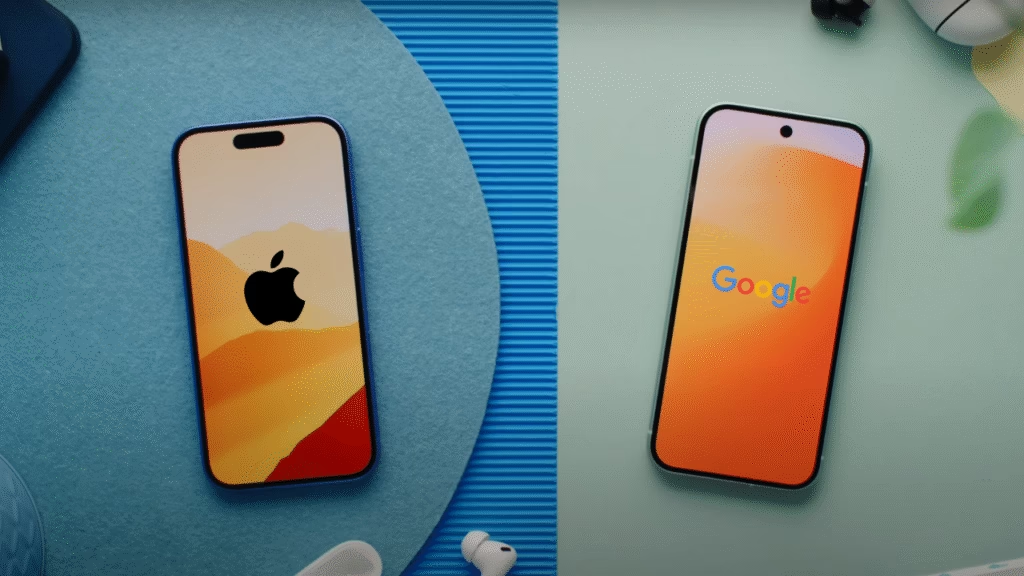
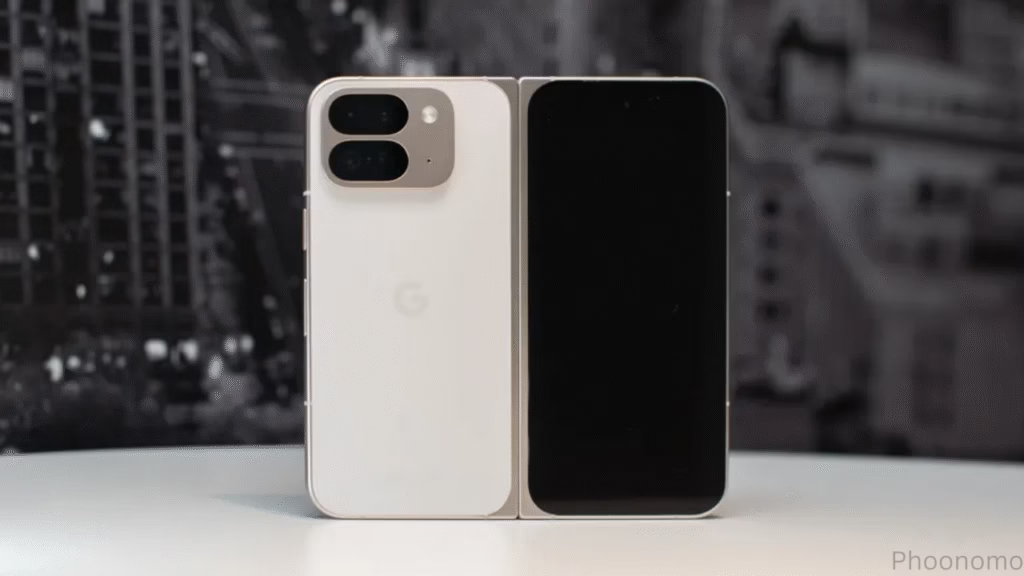
After spending about a week using the Pixel 10a, one thing becomes clear: it’s a reliable device that focuses on doing the basics well.
This isn’t a comparison with its predecessor or a deep dive into how similar it is to previous models. Instead, this review looks at how the Pixel 10a stands on its own in today’s market. And for the most part, it holds up pretty well.
Design: Minimal and Comfortable
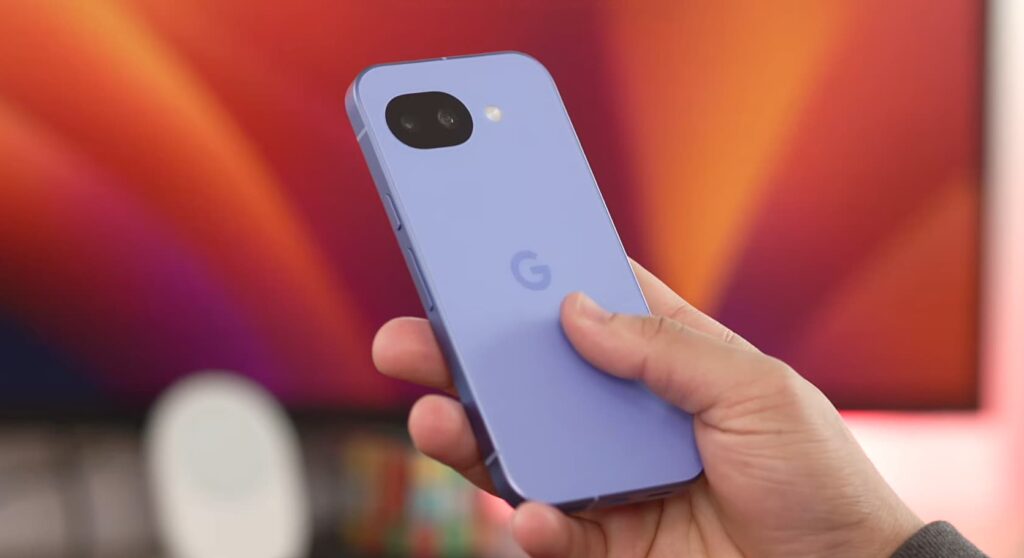
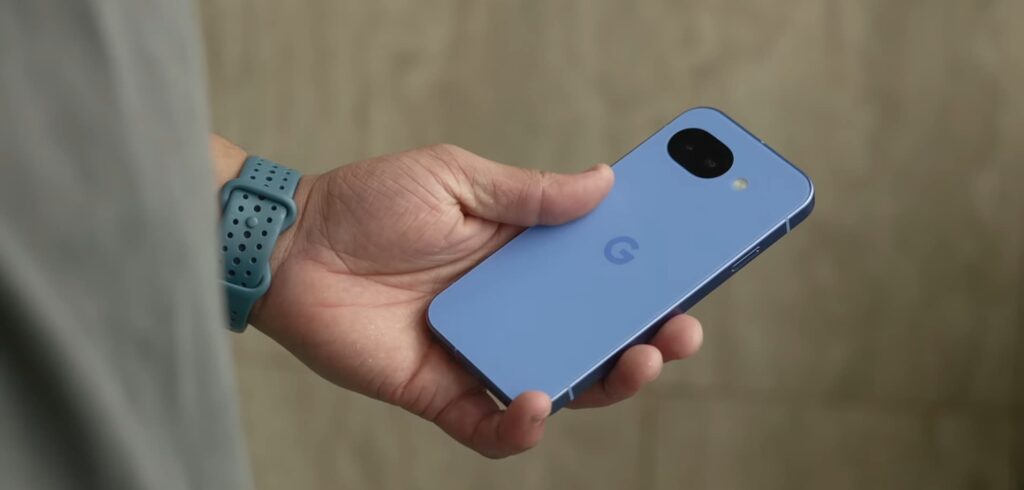
The design is one of the first things that stands out with this device. Google continues using matte rails and a matte back finish, which feels great in the hand. Phones with glossy backs often attract fingerprints and feel slippery, but the matte texture on this phone gives it a comfortable grip.
Another interesting design choice is the absence of a camera bar or camera bump. After years of large camera modules dominating smartphone designs, using a phone without one feels surprisingly refreshing. When placed on a table, the phone sits completely flat, which adds to its clean and minimal look.
Without a case, the phone also feels slimmer and more ergonomic. It’s a subtle difference, but it makes the device more pleasant to hold during everyday use.
Google also continues its tradition of offering bold colors. The new berry color option stands out, while the lavender variant also looks great. These vibrant colors give the phone a bit of personality in a market where most devices stick to basic shades.
There are a few small hardware changes as well. The bottom now shows two speaker grills, although only one of them is actually a speaker while the other is a microphone. The SIM card slot has also been moved to the top-left corner, and thankfully the phone still supports physical SIM cards instead of going fully eSIM-only.
Display: Smooth and Bright
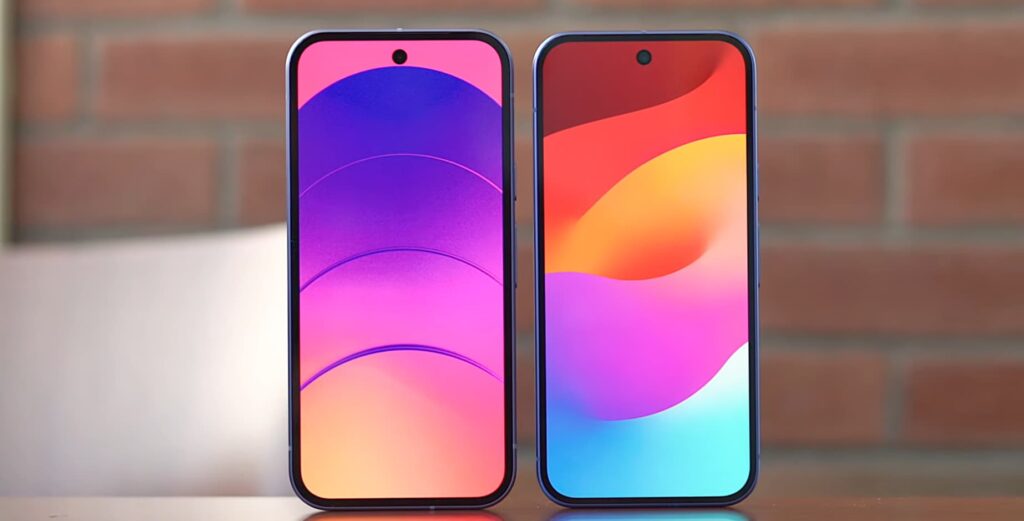
On the front, the bezels are slightly smaller compared to previous A-series models. The reduction isn’t dramatic, but it’s enough that most people probably won’t complain about them anymore.
In everyday use, the display looks very similar to the one on the standard Pixel 10. If you weren’t directly comparing the two devices side by side, you might not even notice the difference.
The screen supports a 120Hz refresh rate, which makes scrolling and navigating through the operating system feel smooth. Oddly, this feature is still turned off by default, so users will need to enable it manually in the settings.
Brightness is another strong point. The display can reach up to 3000 nits peak brightness, which makes it easy to see outdoors even under strong sunlight.
One noticeable annoyance, however, is the auto-brightness system. It tends to change brightness levels a bit too aggressively, which can feel distracting. Many users will likely prefer turning it off and controlling brightness manually.
Gorilla Glass 7i: A Quiet but Important Upgrade
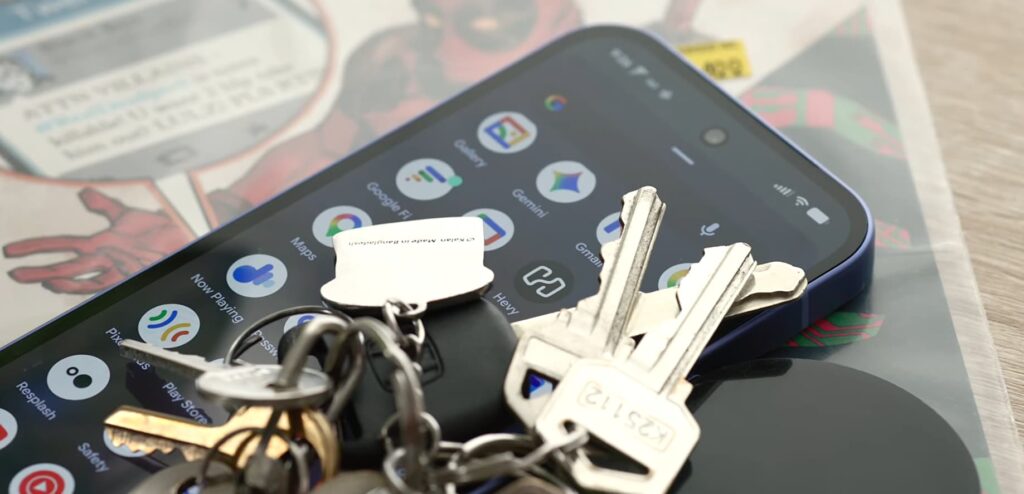
One of the more underrated improvements is the switch to Gorilla Glass 7i. Previous A-series devices used Gorilla Glass 3, which has been around for almost a decade.
While Gorilla Glass 3 worked fine, it was more prone to scratches and small abrasions. Over time, keys in a pocket or small bits of dust could leave visible marks.
The newer Gorilla Glass 7i feels closer to the durability found in more premium devices. It’s not something most people will notice immediately, but over time it should help the screen stay in better condition.
Performance: Good Enough for Most People
Inside the phone, performance is powered by the Tensor G4 processor. While it’s not the newest chip available, it still handles everyday tasks smoothly.
Apps open quickly, the system feels responsive, and general multitasking works without any noticeable issues. For daily activities like social media, web browsing, messaging, and navigation, the phone performs exactly as you would expect.
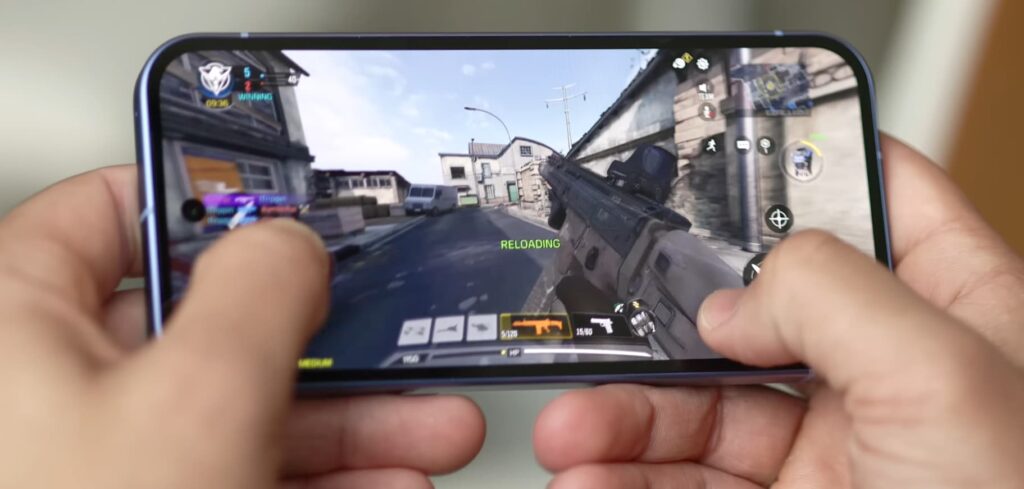
Gaming performance is decent but not perfect. Games like Call of Duty Mobile run well, though the graphics settings can’t always be pushed to the highest levels. Even with the 120Hz display, most games still run closer to 60 frames per second.
The phone also uses the Exynos 5400 modem, which brings improvements to cellular connectivity. Signal strength feels more stable, and the modem is more efficient, meaning it generates less heat and uses less power.
For a phone in this price range, the overall performance is more than enough for typical users.
Downsides You Notice Over Time
Some of the weaknesses only become noticeable after using the phone for a while.
The built-in speakers, for example, are clearly weaker compared to the main Pixel models. They’re fine for podcasts or casual listening, but in noisy environments the volume often needs to be pushed to the maximum.
Haptics are another area where the difference becomes noticeable. They’re not terrible, but they do produce a slightly cheap buzzing sound during heavy typing or long messaging sessions.
The optical fingerprint scanner also has a small drawback. In dark environments, the bright flash used to scan your fingerprint can be quite noticeable, especially at night.
These issues aren’t deal breakers, but they do remind you that this is still a mid-range device.
Battery Life: Easily Lasts a Full Day
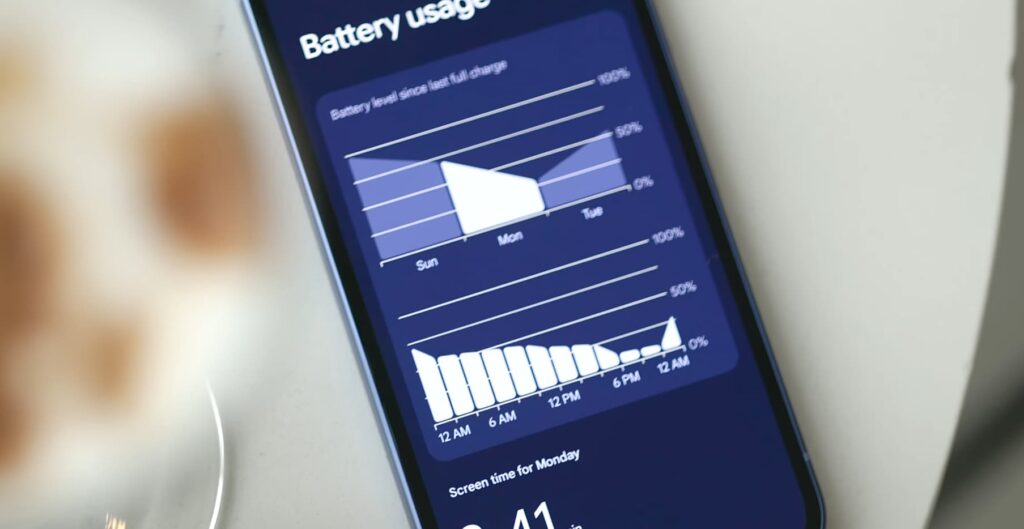
Battery performance is actually one of the pleasant surprises.
With regular use including social media, web browsing, podcasts, and general daily tasks the phone comfortably lasts more than a full day. On lighter usage days, it can even stretch into two days before needing a recharge.
Charging speeds remain the same as the previous model. The phone can reach around 50 percent in about 30 minutes before slowing down to protect the battery.
Wireless charging is also available, though it’s limited to 10 watts.
Missing Pixel Snap Support
One of the biggest disappointments is the absence of Pixel Snap support.
Magnetic accessories are becoming increasingly popular, especially with the rise of magnetic charging and mounting systems. Not including built-in magnets means users who want those accessories will need to rely on special cases or attach magnetic rings themselves.
For many people this might not matter, but it does feel like a missed opportunity, especially as magnetic ecosystems continue to grow.
Software Experience
The phone runs Android 16, delivering the familiar Pixel software experience.
It’s clean, simple, and easy to use. Unlike the flagship models, it doesn’t push heavy AI features as aggressively, which might actually be a positive for some users.
Most people will likely rely on cloud-based tools like Gemini anyway, so the lack of local AI features probably won’t affect everyday usage.
Camera: Still One of the Best Under $500
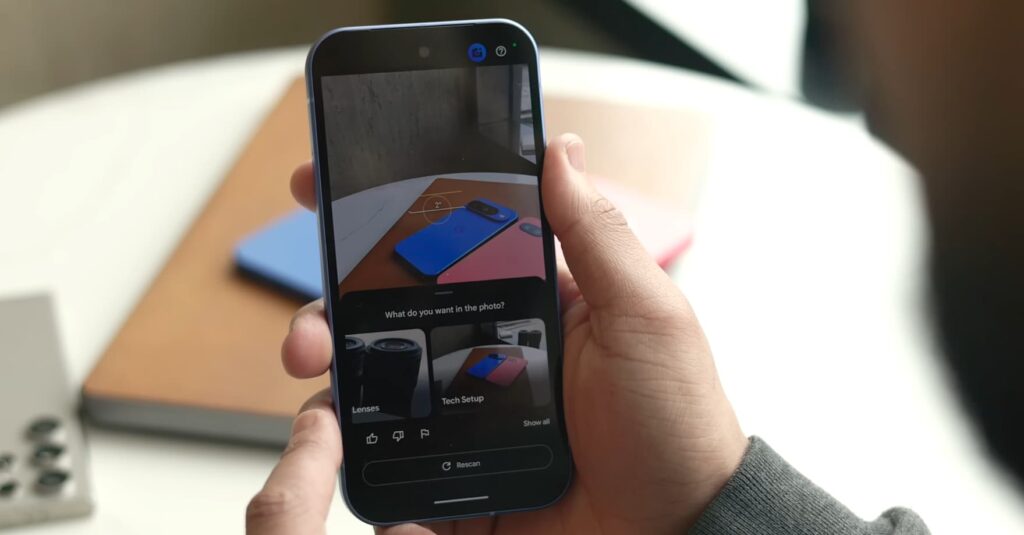
Camera performance remains one of the strongest aspects of this device.
The sensor is the same as last year, but the results are still impressive for the price. Photos show the classic Pixel style: strong contrast, accurate colors, and excellent handling of motion.
Low-light photography is also very reliable, producing clear images even in difficult conditions.
There are a few small changes to image processing as well. Photos now appear slightly warmer compared to earlier models, but the overall quality remains consistent.
Google’s computational photography continues to do most of the work, ensuring that photos come out looking polished without requiring much effort from the user.
Final Thoughts
Taken on its own, the Pixel 10a is a very good smartphone. It doesn’t try to reinvent the category or introduce dramatic new features, but it delivers a dependable experience.
The design is clean and comfortable, the display is smooth and bright, battery life is strong, and the camera remains one of the best in its price range.
At the same time, it’s not a particularly exciting device. Some features are missing, and a few areas like speakers and haptics feel slightly behind flagship models.
For many people, though, that won’t matter. If the price is right, the Pixel 10a offers a balanced package that handles everyday tasks with ease.
Discover Also Google Pixel 8A 5G Specifications and Key Upgrades
Discover more from Phoonomo
Subscribe to get the latest posts sent to your email.