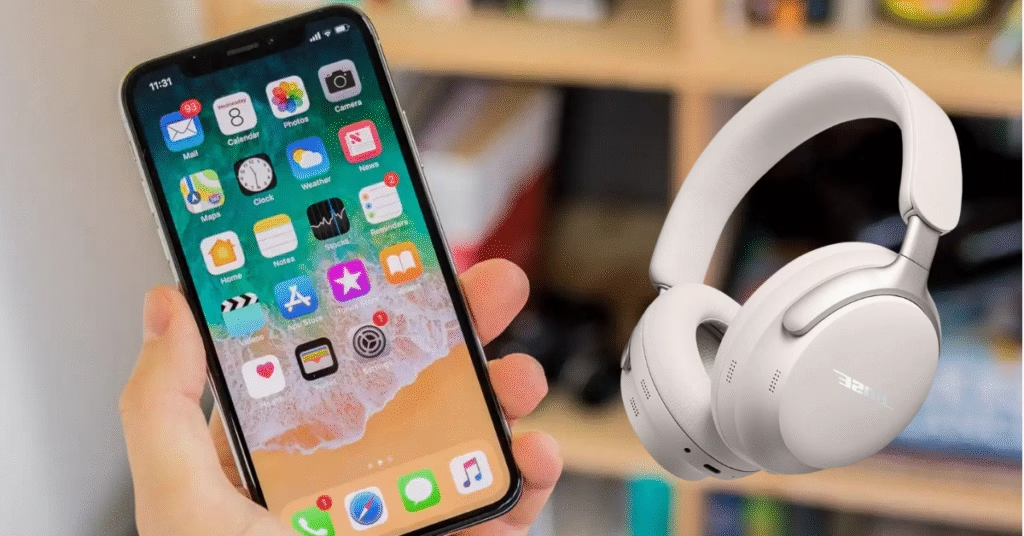
If you’ve just bought a pair of Bose headphones and are wondering how to pair Bose headphones to an iPhone, the process is actually very simple. Whether you’re using QuietComfort, Bose 700, or the latest Bose earbuds, the setup only takes a few minutes.
Start by turning on your Bose headphones and putting them in pairing mode. For most models, slide the power switch toward the Bluetooth icon and hold it for a few seconds until you hear “Ready to connect” or see a flashing blue light. This means your headphones are discoverable.
Now, grab your iPhone. Go to Settings → Bluetooth, and make sure Bluetooth is turned on. Under “Other Devices,” your Bose headphones should appear on the list. Tap the name of your headphones, and within seconds, they’ll connect. You’ll also hear a voice prompt confirming the connection.
If you want to unlock more features, download the Bose Music or Bose Connect app from the App Store. These apps let you update firmware, check battery levels, and fine-tune noise-cancelling and audio settings.
Sometimes, pairing issues can happen. If your headphones don’t show up, make sure they’re not connected to another device. Restart Bluetooth on your iPhone, or reset the headphones’ pairing list.
Once connected, your Bose headphones will automatically reconnect every time you turn them on near your iPhone no need to repeat the setup. That’s it your Bose experience is ready for calls, music, and podcasts with premium sound quality.
See Also GalaxyAudiobook: The Ultimate Free Audiobook Haven
Discover more from Phoonomo
Subscribe to get the latest posts sent to your email.