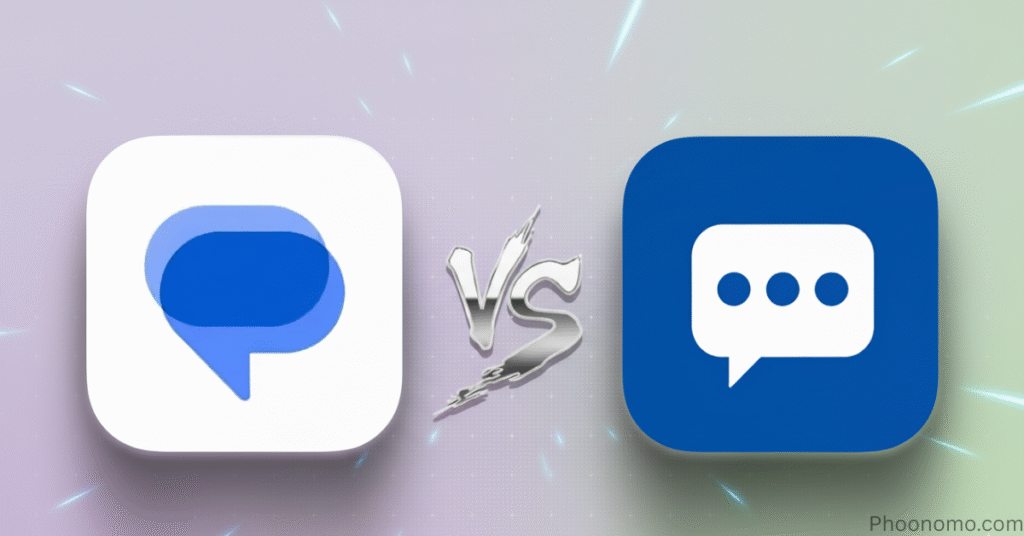
Many Android users have long debated which messaging app is better: Google Messages or Samsung Messages. Both have evolved significantly, offering a variety of features that cater to different users. In this review, we’ll break down their major differences, highlight the pros and cons, and see which one might suit you better.
Web View and Device Pairing
One of the standout features of Google Messages is its Web View. Much like WhatsApp Web, you can view and respond to all your messages on a computer browser. Simply visit messages.google.com/web, scan the QR code, and your chats appear instantly. It’s a seamless experience that works across Windows PCs and Macs and this is something Samsung Messages doesn’t currently offer.
RCS Messaging
Both Google and Samsung support RCS (Rich Communication Services) , a next-gen messaging standard that lets users send high-quality photos, videos, emojis, and even see when the other person is typing. Google was the first to push this feature, and now Samsung has integrated it into Galaxy phones as well.
However, the availability of RCS on Samsung Messages still varies by region, which could be a drawback for some users. On both apps, RCS allows real-time typing indicators and read receipts, enhancing the overall chat experience.
Recycle Bin and Message Recovery
Samsung gains a major advantage here. The Recycle Bin feature stores deleted messages for easy retrieval something Google Messages completely lacks. Once you delete a message in Google Messages, it’s gone for good. This safety net makes Samsung Messages a bit more user-friendly for those who occasionally delete things by mistake.
Customization and Themes
Customization is where Samsung Messages truly shines. Through Good Lock’s Theme Park, users can modify conversation backgrounds, text colors, and chat bubbles. You can even assign different color themes for specific chats a level of personalization Google simply doesn’t match.
Google Messages, in contrast, only allows a light, dark, or system default theme. It’s minimalist but far less flexible.
Search and Swipe Actions
Both apps include strong search tools. You can look up messages, images, videos, and links within conversations. Google Messages, however, takes it further with customizable swipe gestures you can swipe left or right to archive, delete, or mark a conversation as read. Samsung Messages doesn’t offer this convenience.
Auto-Delete and Message Organization
Google Messages includes an auto-delete OTP feature that automatically clears one-time passwords after 24 hours, a small but highly useful addition. Samsung lacks this, though it does let users automatically delete older texts once a storage limit is reached.
For those who receive many verification codes, Google’s approach is much cleaner.
Shared Documents and Media Overview
Another Samsung-exclusive feature is the Shared Documents view. Within a conversation, you can see all exchanged media files and attachments in one place. It’s a neat, organized way to track what’s been shared, something Google Messages doesn’t currently provide.
Reactions and Smart Replies
Google Messages offers emoji reactions directly on messages, similar to WhatsApp or iMessage. You can even create custom image reactions. Samsung Messages, on the other hand, displays reactions as separate messages, which feels less polished.
In addition, Google integrates Smart Reply suggestions via Google Assistant, making responses quicker. Samsung offers pre-set messages but lacks AI-based suggestions, which puts Google ahead in smart features.
Reminders and Productivity
Samsung Messages has a small but powerful trick you can add messages directly to Reminders. If someone sends you important info, just tap Add to Reminder, and it connects seamlessly with Samsung’s reminder app. Google Messages doesn’t have this integration yet.
User Interface and Categories
Both apps feature clean interfaces with a search bar and easy navigation. Samsung adds a handy Contacts tab within the app, allowing quick access to your saved numbers. It also supports conversation categories, like grouping spam or personal messages, for better organization.
Verdict: Which One Wins?
Both apps are great, it just depends on your preferences.
- Choose Google Messages if you want seamless web access, smart features, RCS reliability, and a clean, AI-enhanced experience.
- Choose Samsung Messages if you prefer rich customization, file management, message recovery, and reminder integration.
If you use RCS frequently and love Google’s ecosystem, Google Messages is the smarter pick. But for Samsung Galaxy users, the extra features and customization options in Samsung Messages make it a compelling choice.
Discover more from Phoonomo
Subscribe to get the latest posts sent to your email.