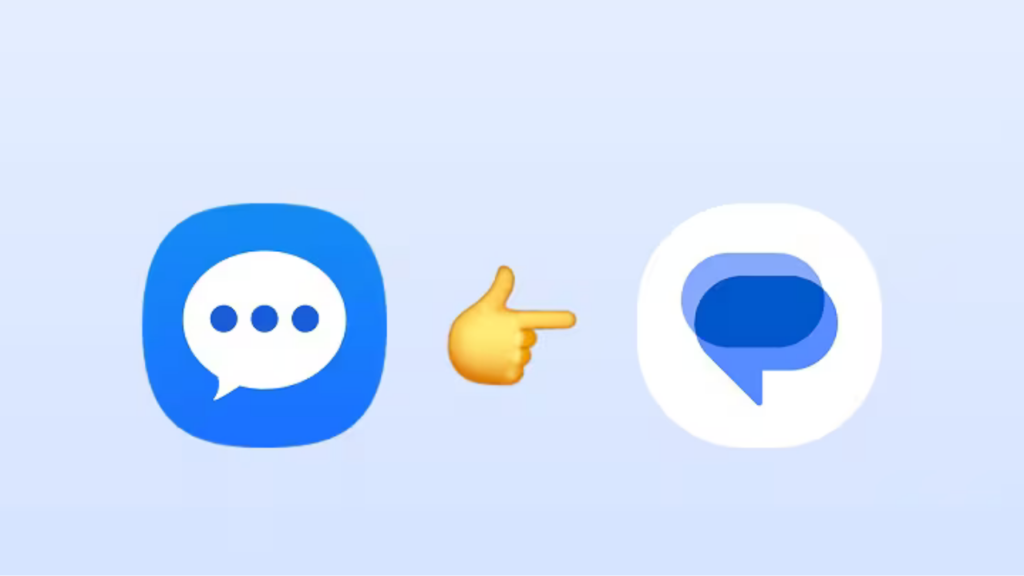
After years of being quietly sidelined, Samsung’s built-in texting app is getting an official end-of-service date. Here’s what it means for your phone and what you need to do now.
It’s been a slow death, but it’s finally official. Samsung has confirmed that Samsung Messages the default SMS app that shipped on Galaxy phones for years will reach end of service in July 2026. If you’re still using it, you have roughly 12 weeks to make the switch before things stop working properly.
This isn’t a surprise if you’ve been paying attention. Samsung started defaulting to Google Messages on newer Galaxy devices back in 2024–2025, and the latest S-series phones don’t even offer Samsung Messages as a download. July’s shutdown is less a sudden decision and more the final chapter of a long, managed exit.
The honest reason is RCS. Samsung Messages relied on carrier support for advanced messaging features, which made it patchy and inconsistent depending on your network. Google Messages delivers RCS universally, and the gap in features has become impossible to ignore.
- Carrier-dependent RCS
- No AI features
- No web/multi-device sync
- No spam detection
- Universal RCS + E2EE
- Gemini AI integration
- Web sync across devices
- AI spam & scam detection
Apple just enabled RCS end-to-end encryption in iOS 26.5 Beta 1 this week meaning iPhone-to-Android chats will soon be fully encrypted. Google Messages is positioned as the Android side of that equation, making Samsung’s proprietary app a genuine obstacle to progress.
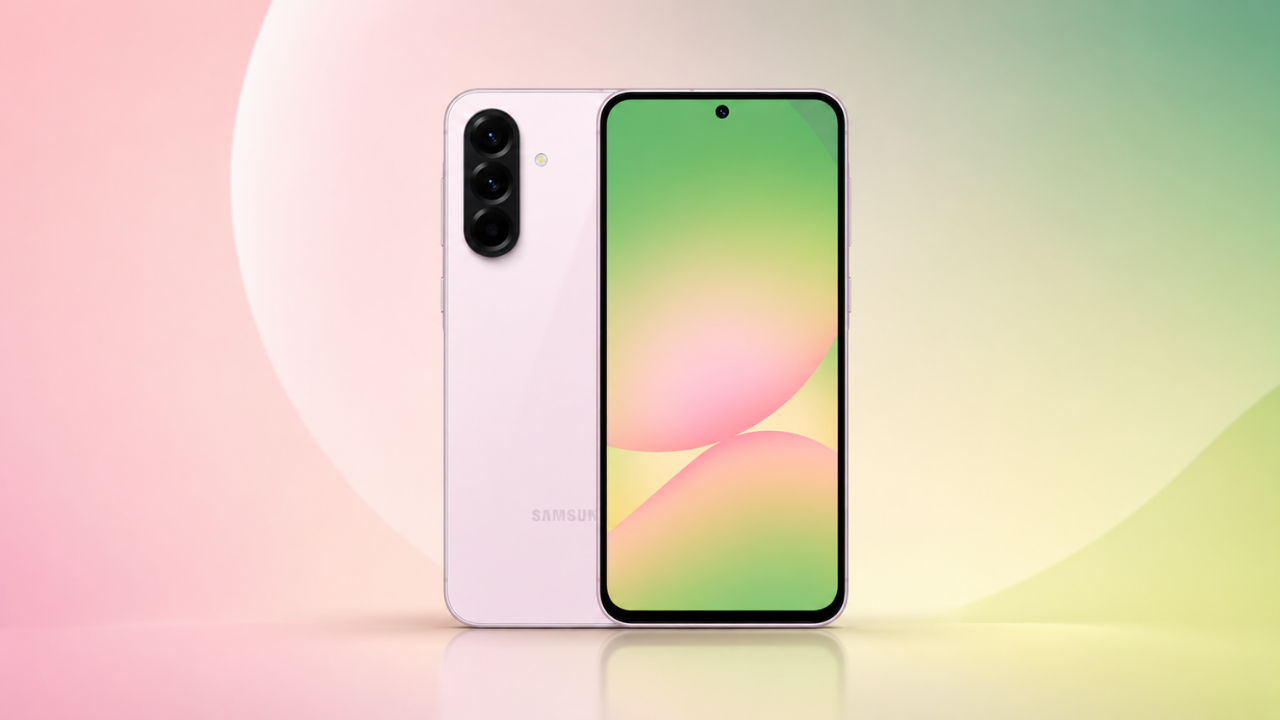
The shutdown targets devices on Android 12 and newer. If you’re running Android 11 or older, Samsung Messages keeps working Samsung cited compatibility limitations as the reason for that carve-out. Newer flagship users, including anyone on the S24 or S25 series, are the primary audience for this transition.
How to switch in 60 seconds

M Adnan Akram is the founder and lead writer at Phoonomo, covering mobile technology with a primary focus on Apple and the broader smartphone industry, alongside emerging developments in AI. He follows product launches, spec leaks, and industry trends closely to keep readers informed with timely updates.
Discover more from Phoonomo
Subscribe to get the latest posts sent to your email.