When smartphones became a part of our daily routine, they changed much more than just how we communicate. Today, thanks to digital wallets like Samsung Pay, Google Pay, and (formerly) Android Pay, paying for your morning coffee or splitting a dinner bill has never been easier. With so many mobile payment methods available, figuring out which one is right for you can feel overwhelming. Let’s take a closer look at these three platforms, breaking down their features, strengths, and unique touches to help you decide which might fit your lifestyle best.
A Quick Backstory: How Did We Get Here?
All threeSamsung Pay, Google Pay, and Android Payexist because the world has steadily shifted toward cashless transactions. Android Pay arrived in 2015 as Google’s contactless payment answer for Android users. It allowed people to tap their phones at stores and pay almost as easily as swiping a card. By 2018, Google combined the best features of Android Pay and its wallet app into Google Pay, giving users more ways to store tickets, coupons, boarding passes, and more.
Meanwhile, Samsung Pay entered the market in the same year that Android Pay did. At first, it gained a following among Samsung users thanks to a neat trick: it could use a special technology (called MST, Magnetic Secure Transmission) that mimicked a card swipe even at old-style card readers that didn’t have contactless capabilities.
Today, only Google Pay and Samsung Pay remain as active products. Android Pay isn’t a separate app anymore but lives on inside Google Pay.
Comparing the Essentials
To cut through the noise, we’ll break down the differences in these digital wallets using categories that actually matter during everyday use: what devices they work on, what features stand out, global reach, security, and overall experience.
Device Compatibility: Who Can Use What?
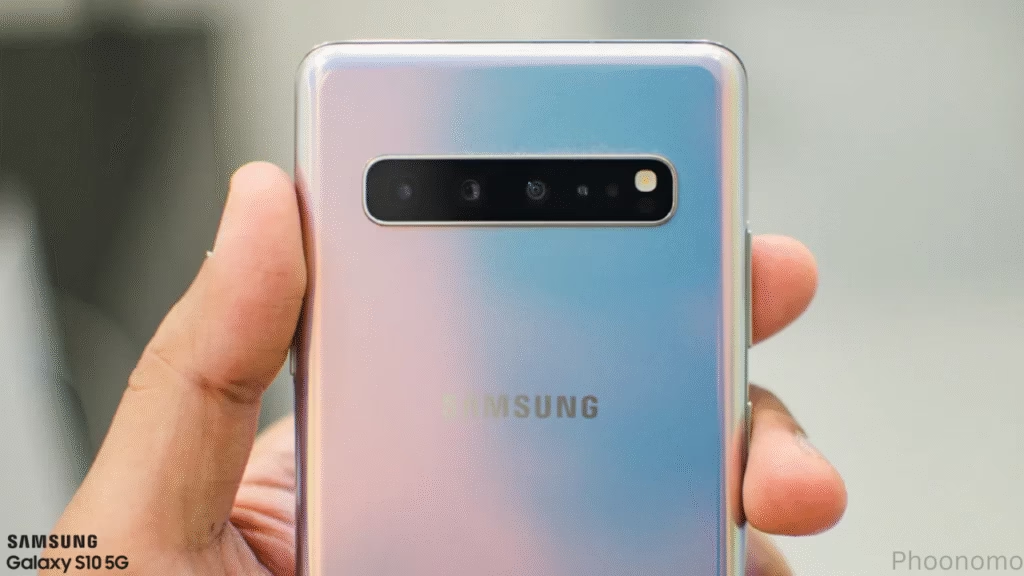
Samsung Pay works solely on Samsung’s smartphones and smartwatches, including the popular Galaxy line. If you own a Samsung device, you have full access to its range of payment and wallet features. If you don’t, you’re out of luck, there’s no workaround for non-Samsung Android phones.
Google Pay is designed to serve the wider Android community. Most Android phones and Wear OS watches support Google Pay, provided the device has NFC capabilities and runs a modern version of Android. There’s even an iOS version of the Google Pay app, although it’s limited to in-app payments and sending money, not in-store tapping.
Android Pay is now merged with Google Pay, so all references to it are mostly historical. If you see Android Pay mentioned in older guides or at a store, rest assured that those features now come bundled with Google Pay.
Key Features That Set Them Apart
Samsung Pay stood out early thanks to MST, which allowed payments at pretty much any payment terminal, even those without NFC. This feature helped it win over many who shopped at smaller retailers or traveled to places where contactless readers lagged behind. However, MST support has disappeared in new Samsung devices, leaving only NFC compatibility (which is standard everywhere now).
Samsung Pay is more than just payments; it’s a proper wallet. You can store loyalty cards, gift cards, membership IDs, travel passes, and even digital car or home keys (for certain locks and vehicles). The platform’s own Rewards program encourages frequent users by handing out points for every purchase, which can be exchanged for products, gift cards, or sweepstakes entries.
Google Pay shines in versatility. In addition to storing debit and credit cards, you can keep concert tickets, flight boarding passes, loyalty cards, student IDs, vaccination records, and even event tickets. It’s easy to send or receive money directly between friends using your phone number or email. Google Pay works for in-store checkouts, online purchases, and even inside other apps. Integration with the broader Google ecosystem that includes Gmail, Google Maps, and more makes managing your finances and receipts very smooth if you’re already a Google user.
Android Pay, when it was first introduced, was all about contactless, NFC-based payments, and that functionality has moved into Google Pay.
Security: Keeping Your Money Safe
No matter which mobile wallet you select, protecting your money and information is crucial.
Samsung Pay uses a system that never shares your real card number with merchants. Instead, it creates a one-time-use token for each purchase. Security is boosted by biometric protectionMost Samsung phones support fingerprint or iris scanning, so only you can complete a transaction. For added peace of mind, Samsung Knox software monitors the device for possible threats or malware, alerting you if something looks amiss.
Google Pay leverages tokenization too, swapping out actual card numbers for virtual tokens that change with every transaction. Payments can only go through if you confirm with your fingerprint, face scan, or PIN, and the app never stores payment details on your device in a way that can be easily accessed. The main point of concern for some users is data privacy; because Google is such a large company, it collects and analyzes transaction and device data to refine the user experience. Some people appreciate this for convenience; others find it invasive.
Where Can You Use Them?
Samsung Pay is available in over 20 countries, focusing on regions where Samsung phones are popular. Most major card issuers and banks support Samsung Pay, but there might be gaps, so it’s worth checking your provider’s compatibility before you commit.
Google Pay wins this round, available in over 80 countries across the globe. This makes it especially popular among international travelers, digital nomads, and anyone who needs a solution that works almost everywhere. Google Pay also supports more banks and card issuers, offering extensive reach for most modern users.
Rewards and Extras
Samsung Pay’s rewards program has given it a loyal user base. By making purchases, you rack up Samsung Rewards points that can be redeemed for gift cards, gadgets, or entered into special sweepstakes great for brand fans and big spenders. The wallet also gives you instant access to exclusive offers with certain retailers.
Google Pay offers periodic cashback incentives and rewards for referring friends, online shopping, or using the platform in new ways. These offers change regularly and are often tailored to your activity, so active users may notice surprise savings.
What About Android Pay?
Android Pay, as noted, has merged into Google Pay. If you see Android Pay stickers on a payment terminal, it means Google Pay will work there as well. Nothing is lost; in fact, the switch just made things simpler for everyone by merging NFC payments, peer-to-peer transfers, and wallet features in one place.
Everyday Experience: How Easy Is It?
All three platforms strove for minimalism; just unlock your phone and tap or scan to pay. Samsung Pay and Google Pay work almost identically for in-person payments. Both allow swift card switching, easy management of multiple accounts, and instant access to receipts or transaction details.
Samsung users often enjoy deeper integration with their device’s quick-access menus, making it extra fast to open and pay even when your phone screen is off. Google Pay, on the other hand, benefits from seamless connections to other Google services, so your receipts, loyalty points, and travel tickets can show up in Google Maps or Gmail.
Who Should Choose What?
- For Samsung Galaxy owners: Samsung Pay is nearly always the obvious choice. It’s deeply integrated, secure, and rewards everyday spending.
- For Android users (other than Samsung): Google Pay offers the widest compatibility and is typically pre-installed or easily downloaded from the Play Store.
- For iOS (Apple device) users: Only Google Pay provides any meaningful functionality and even then, it’s limited compared to the Android version.
- For international travelers: Google Pay’s much larger global footprint means you’re less likely to run into problems abroad.
- For loyalty program or deal hunters: Samsung’s rewards and instant offers add a little extra value to every purchase.
Final Word
Digital wallets are reshaping how people shop, travel, and handle money. Both Samsung Pay and Google Pay deliver fast, secure payments straight from your smartphone, with tightly woven extras like rewards, digital passes, and loyalty programs. Your best option often comes down to the device in your pocket and the experience you want. While Android Pay’s journey has ended in Google Pay, the features and convenience live on.
No matter which you settle on, you can wave goodbye to bulky wallets and hello to easier, safer, and smarter payments at home, around town, or across the globe.
FAQS
What is the main difference between Samsung Pay and Google Pay?
Samsung Pay is available only on Samsung devices, while Google Pay works on most Android devices and has limited support on iOS. Samsung Pay once supported MST (magnetic stripe payment), but now focuses on NFC like Google Pay.
Can I use both Samsung Pay and Google Pay on the same device?
If you have a Samsung device, you can install and use both. You’ll choose your default payment app in your settings.
Is Android Pay still available?
No. Android Pay was merged into Google Pay in 2018. All features were rolled into Google Pay, which has since become Google Wallet on most devices.
Are these payment methods safe?
Yes. All use tokenization and biometric authentication (like fingerprint or PIN). Your card details aren’t shared with merchants.
Do these services charge fees?
There are generally no fees for contactless purchases. Some services may charge for peer-to-peer transfers or international conversions.
Which has more global acceptance?
Google Pay is available in more countries and at more merchants than Samsung Pay. Samsung Pay is best suited to Samsung device owners.
What happens if I lose my phone?
Both Google Pay and Samsung Pay allow remote locking and wiping of your device. Your payment info remains protected by security features.
Follow Phoonomo to never miss an update

M Adnan Akram is the founder and lead writer at Phoonomo, covering mobile technology with a primary focus on Apple and the broader smartphone industry, alongside emerging developments in AI. He follows product launches, spec leaks, and industry trends closely to keep readers informed with timely updates.
Discover more from Phoonomo
Subscribe to get the latest posts sent to your email.